
THE BIGGEST
TOURNAMENT
IN AFRICA

DEFINING AFRICAN ESPORTS
THE ROAD TO WORLDS WIN AFRICA.
PLAY THE WORLD.

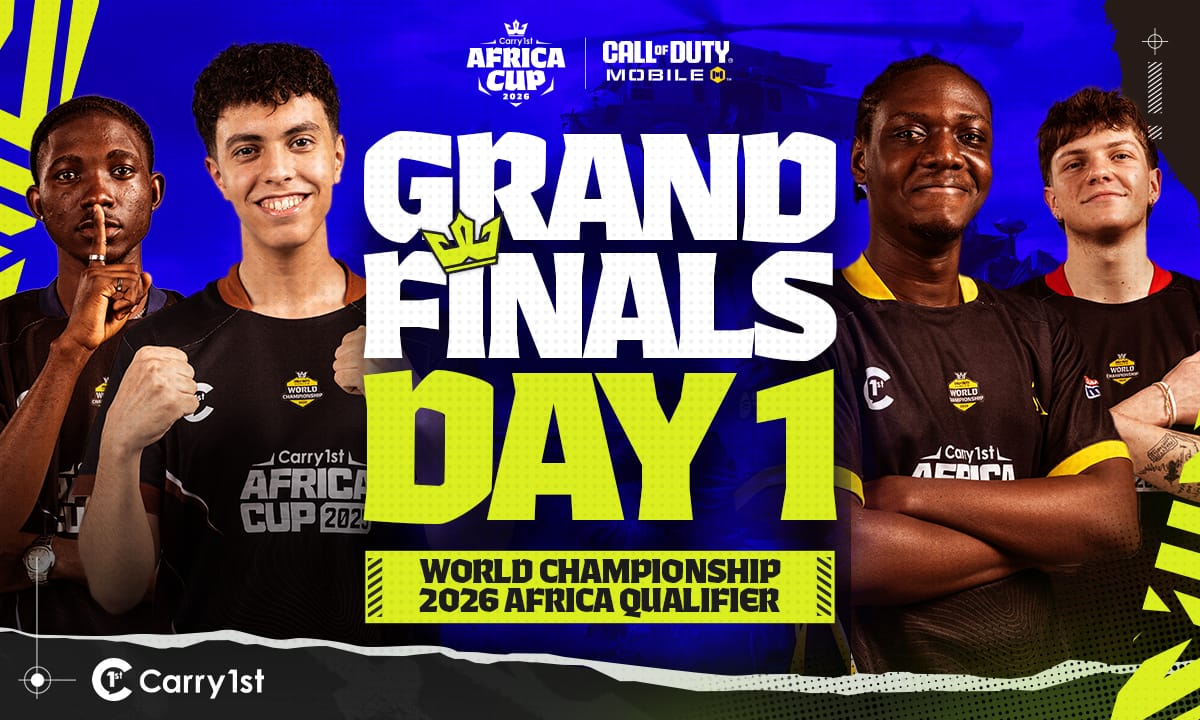
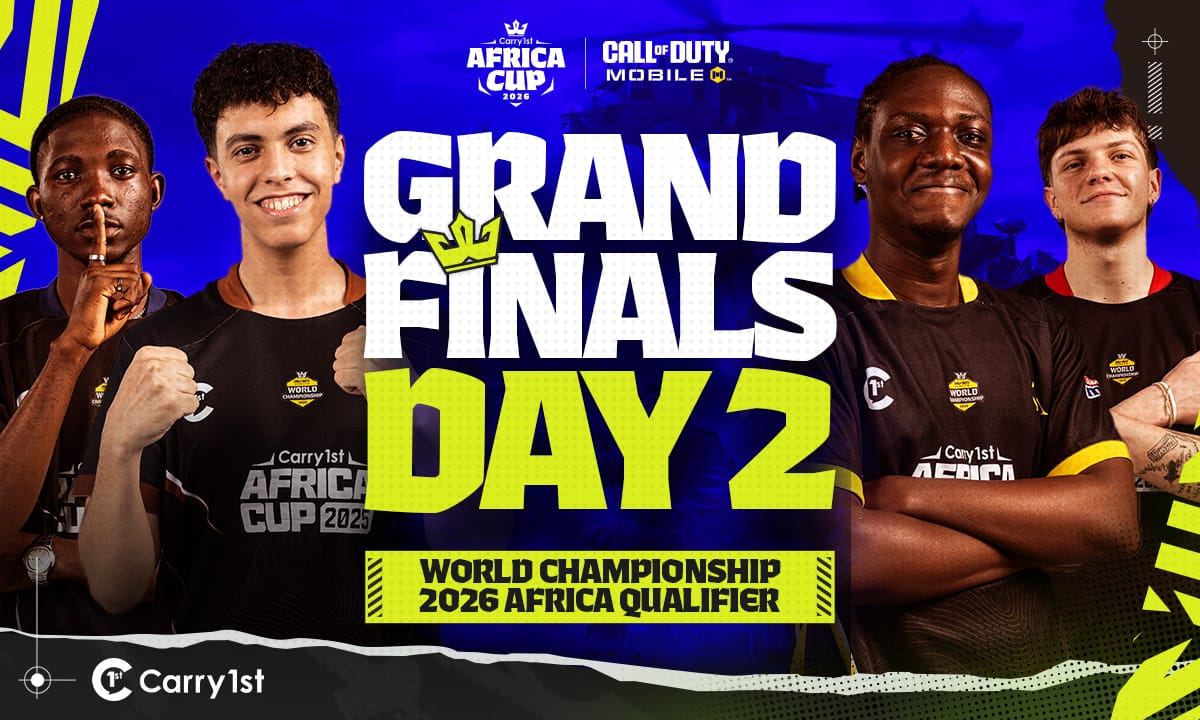
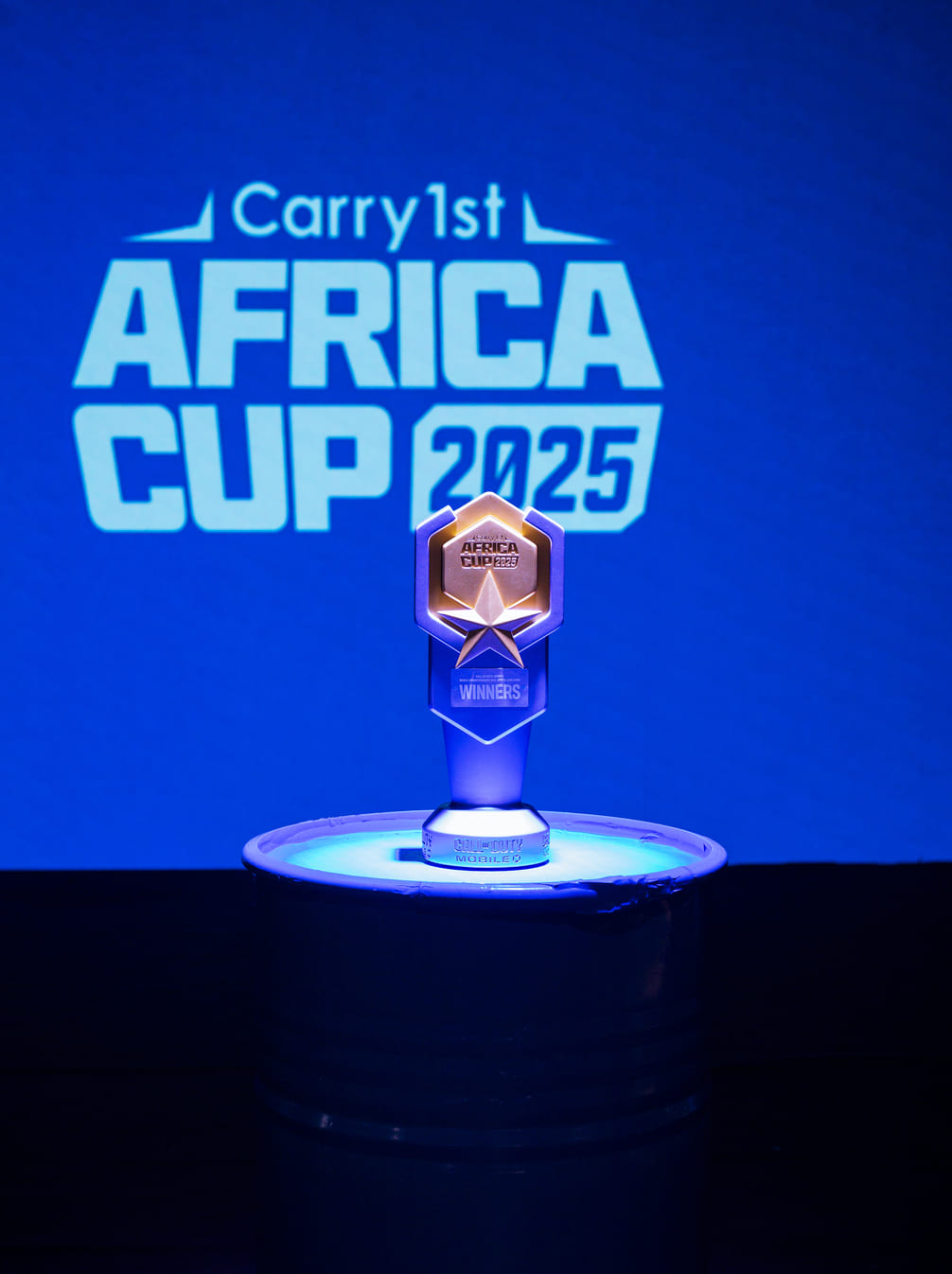
The Carry1st Africa Cup champion represents the entire continent at the Call of Duty: Mobile World Championship 2026.
CALL OF DUTY: MOBILE WORLD CHAMPIONSHIP 2026
TOTAL PRIZE POOL $30,000USD THE HIGHEST FPS PRIZE POOL IN AFRICA
150+ Participating Teams
38 African Countries
5 Regions
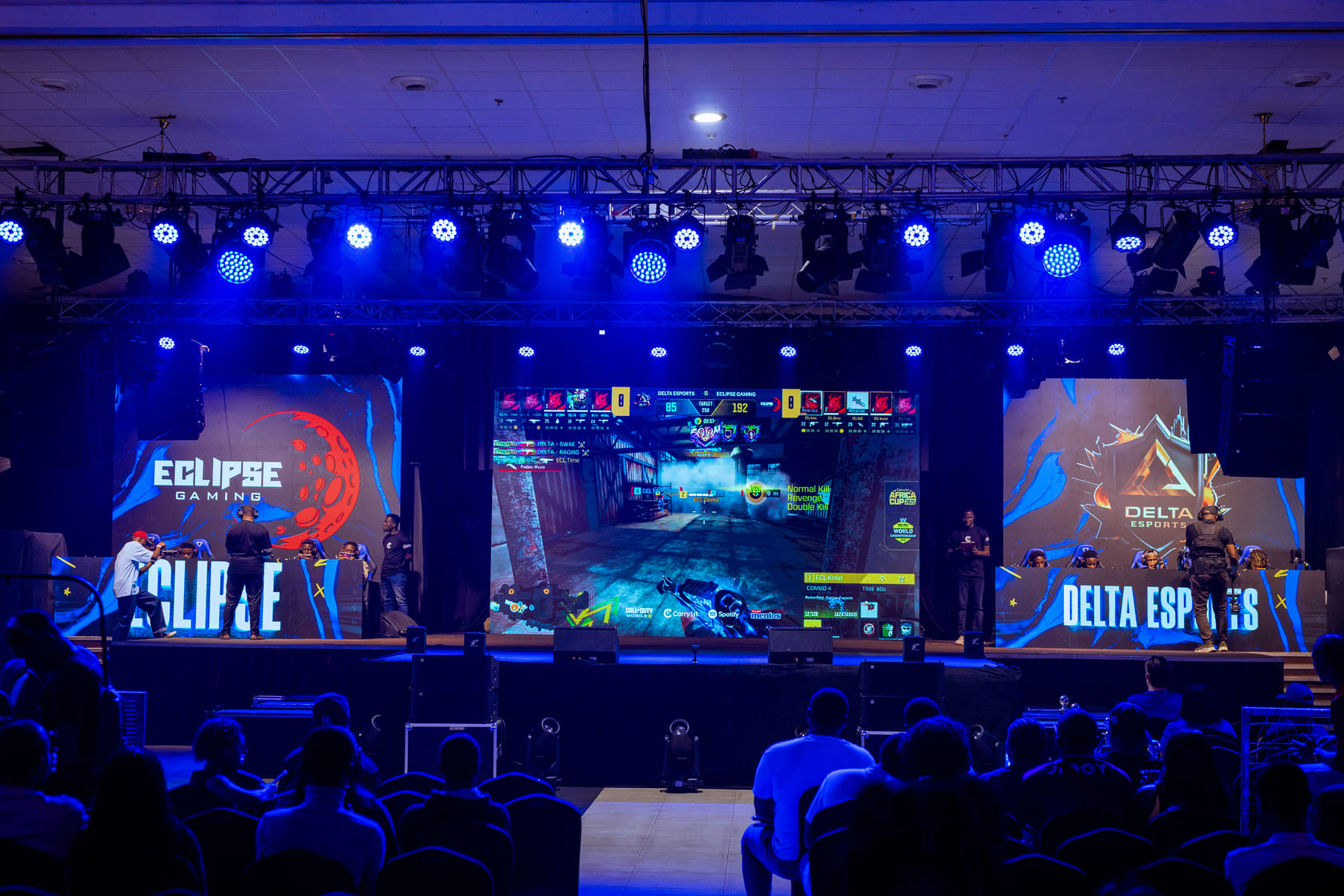
3 LAN Finals
8 Grand Finals Slots
GET STARTED
HOW TO ENTER
01 STEP 01 CREATE ACCOUNT

Register on the Carry1st Cup platform and verify your profile.

02 STEP 02 BUILD YOUR SQUAD

Create a team or join one, then register before the deadline closes.

03 STEP 03 COMPETE & WIN

Play through qualifiers and climb the bracket. Top teams advance to the Grand Finals.

THE SCHEDULE
THE ROAD TO LAGOS
Jun 1
Registration Opens
ONLINE
Jun 19 - 21
West & North Africa Group Stage
ONLINE
Jun 26 - 28
East & Southern Africa Group Stage
ONLINE
Jun 27 - 28
West & North Africa Playoffs Stage 1
ONLINE
Jul 4 - 5
East & Southern Africa Playoffs Stage 1
ONLINE
Jul 11 - 12
West & North Africa Regional Finals
ONLINE
Jul 18 - 19
Southern Africa Regional Finals
LAN - Cape Town
Jul 26
East Africa Regional Finals
LAN - Nairobi
Jul 31 - Aug 2
Nigeria Group Stage
ONLINE
Aug 8 - 9
Nigeria Playoffs Stage 1
ONLINE
Aug 16
Nigeria Regional Finals
ONLINE
Sep 5 - 6
Grand Finals The champion is crowned
LAN - Lagos
HALL OF FAME
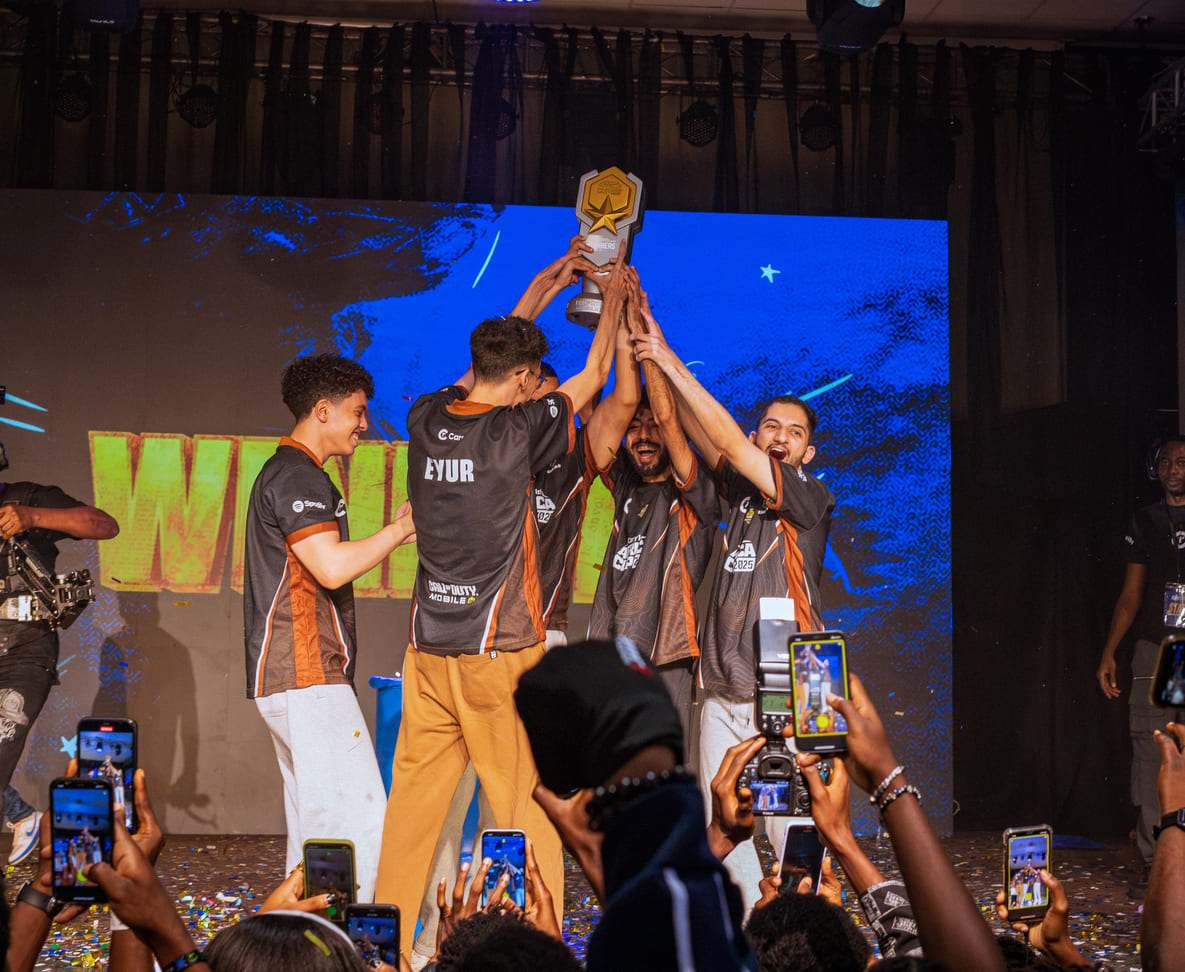
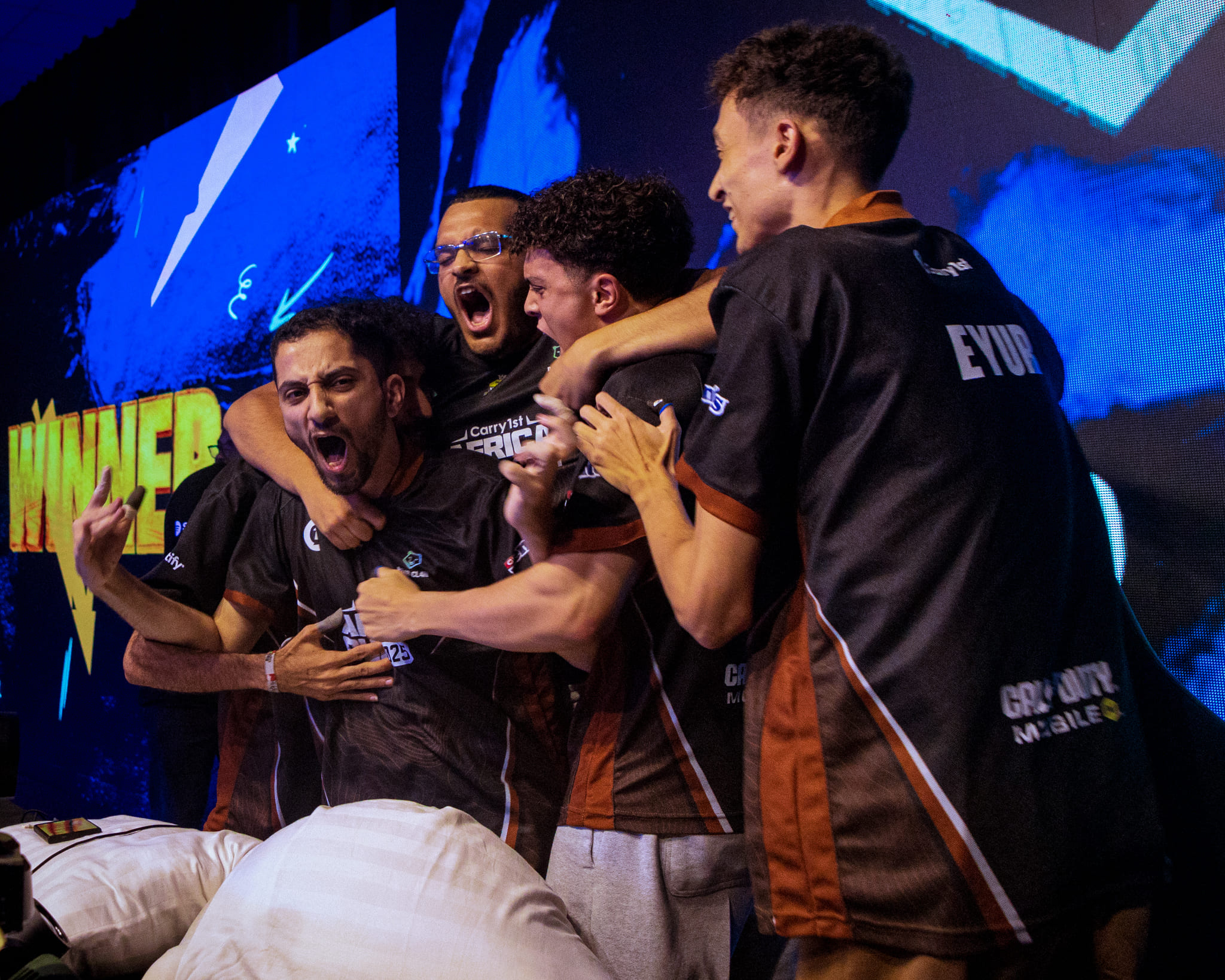
2025 CHAMPIONS
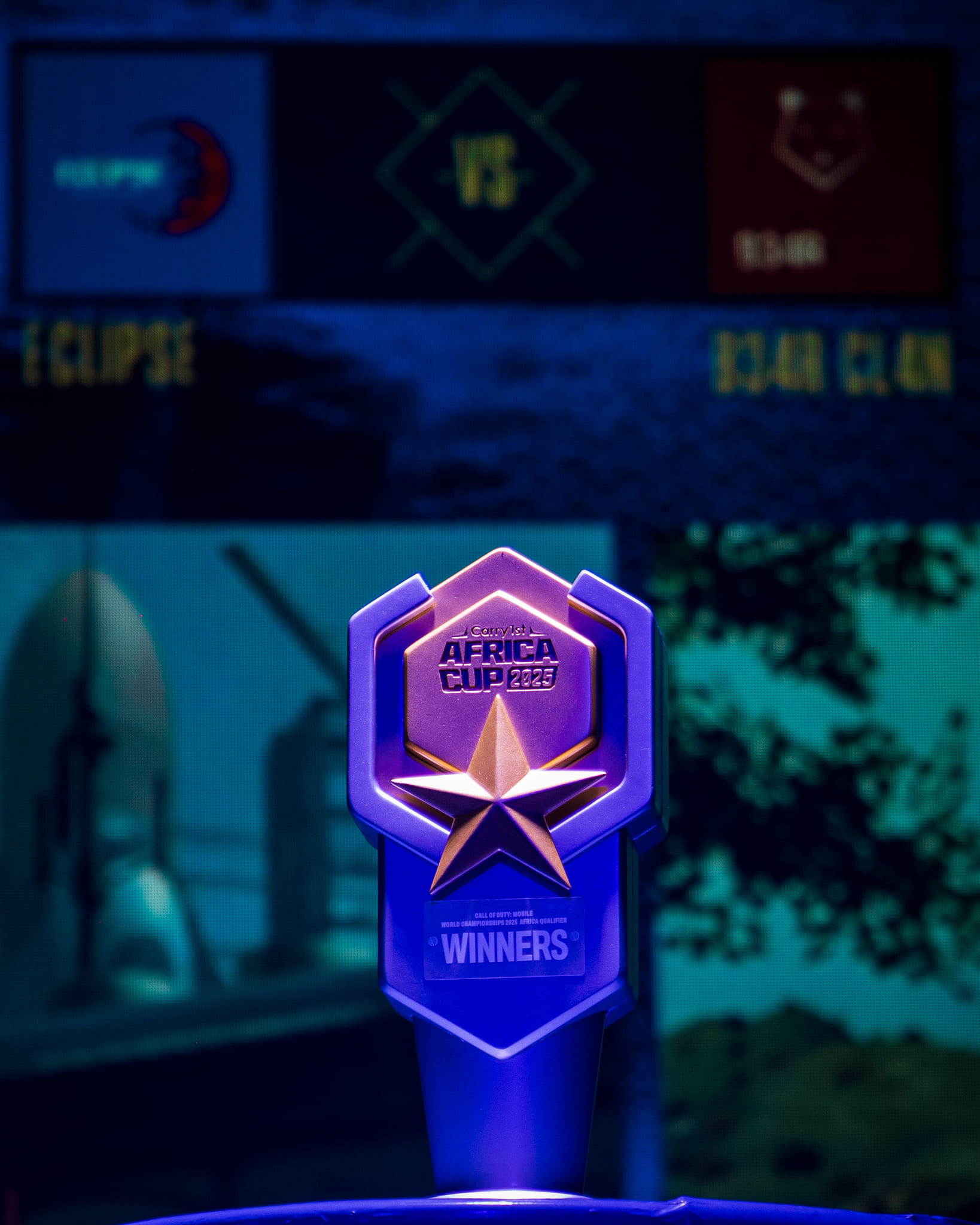
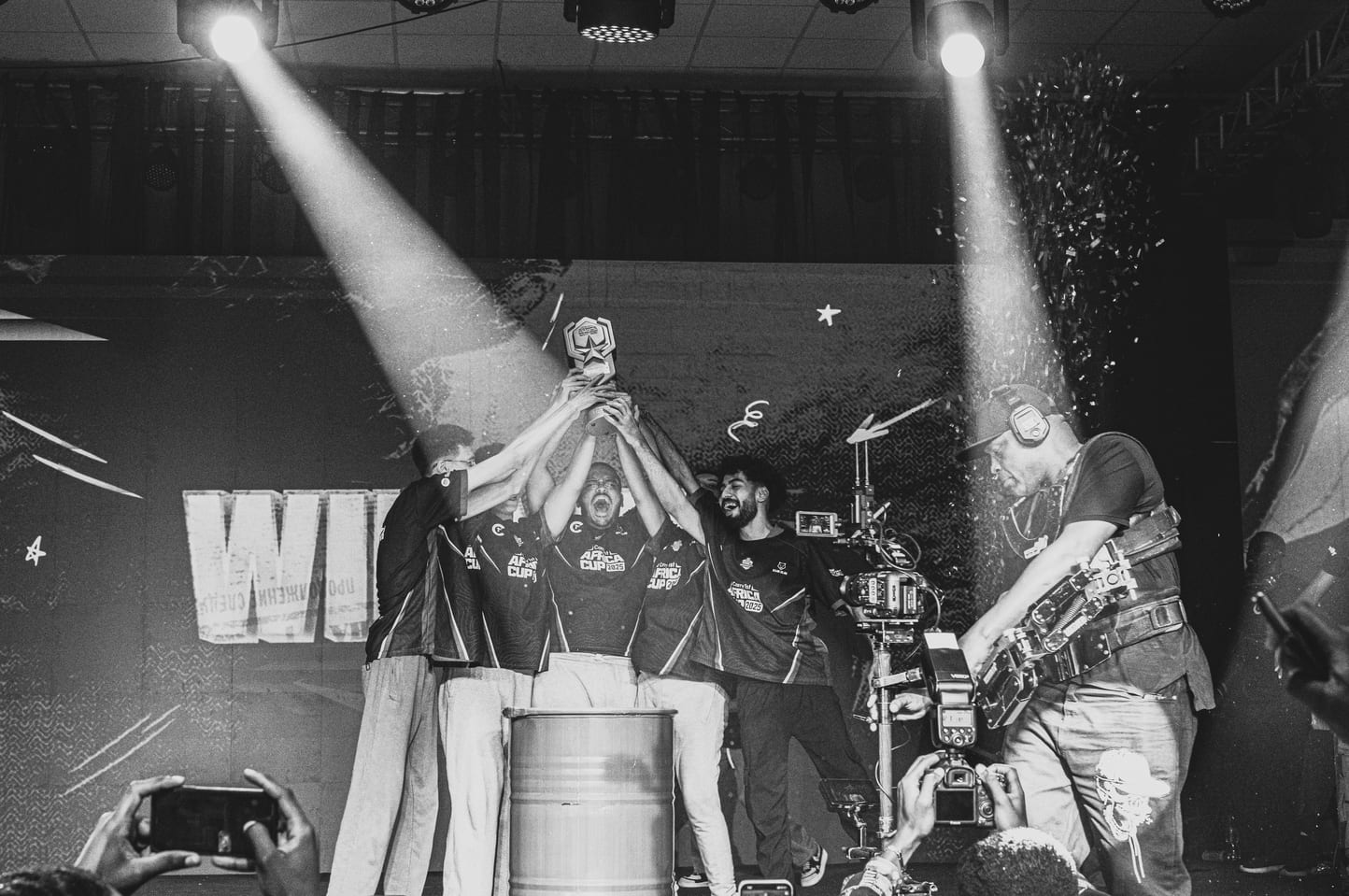
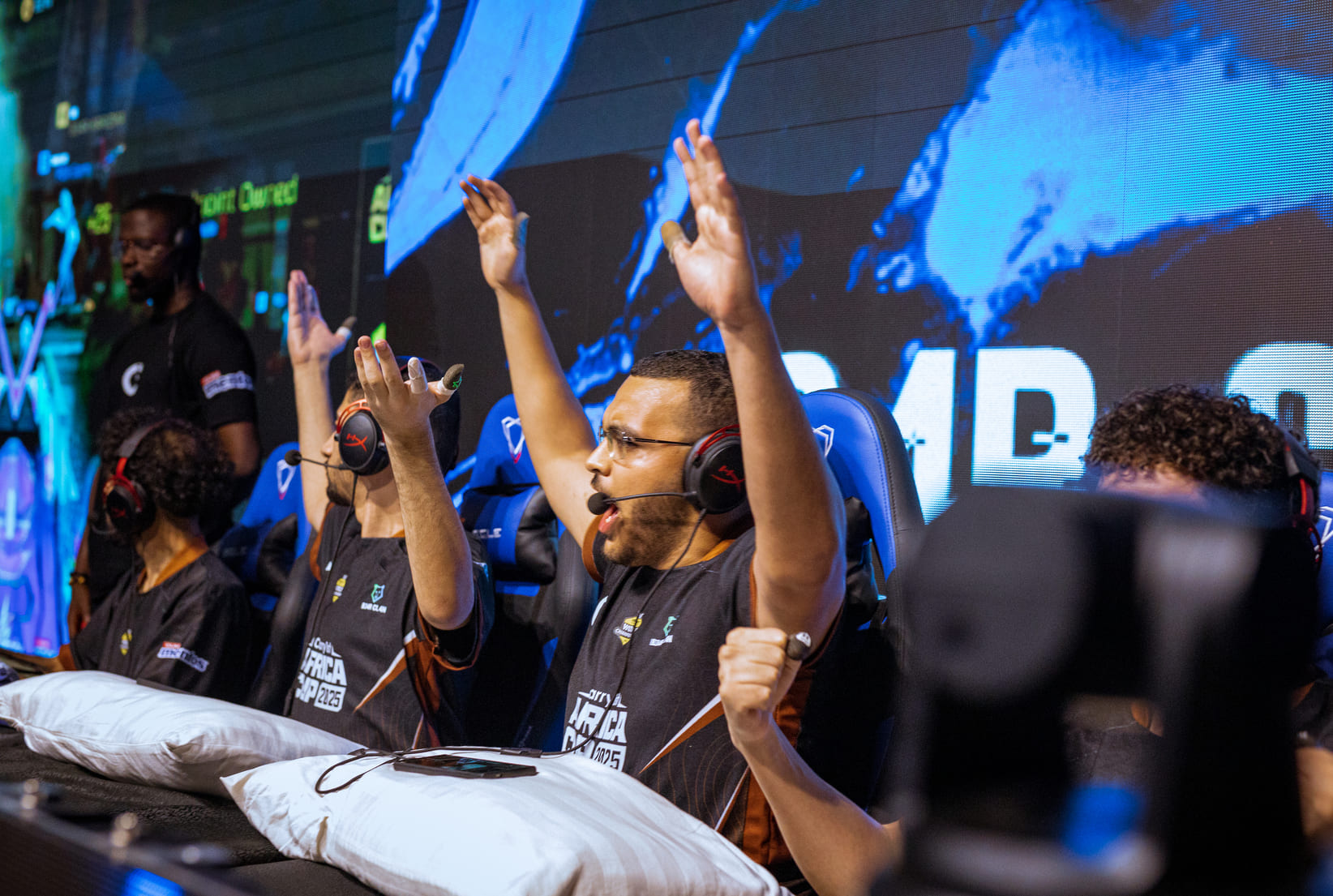
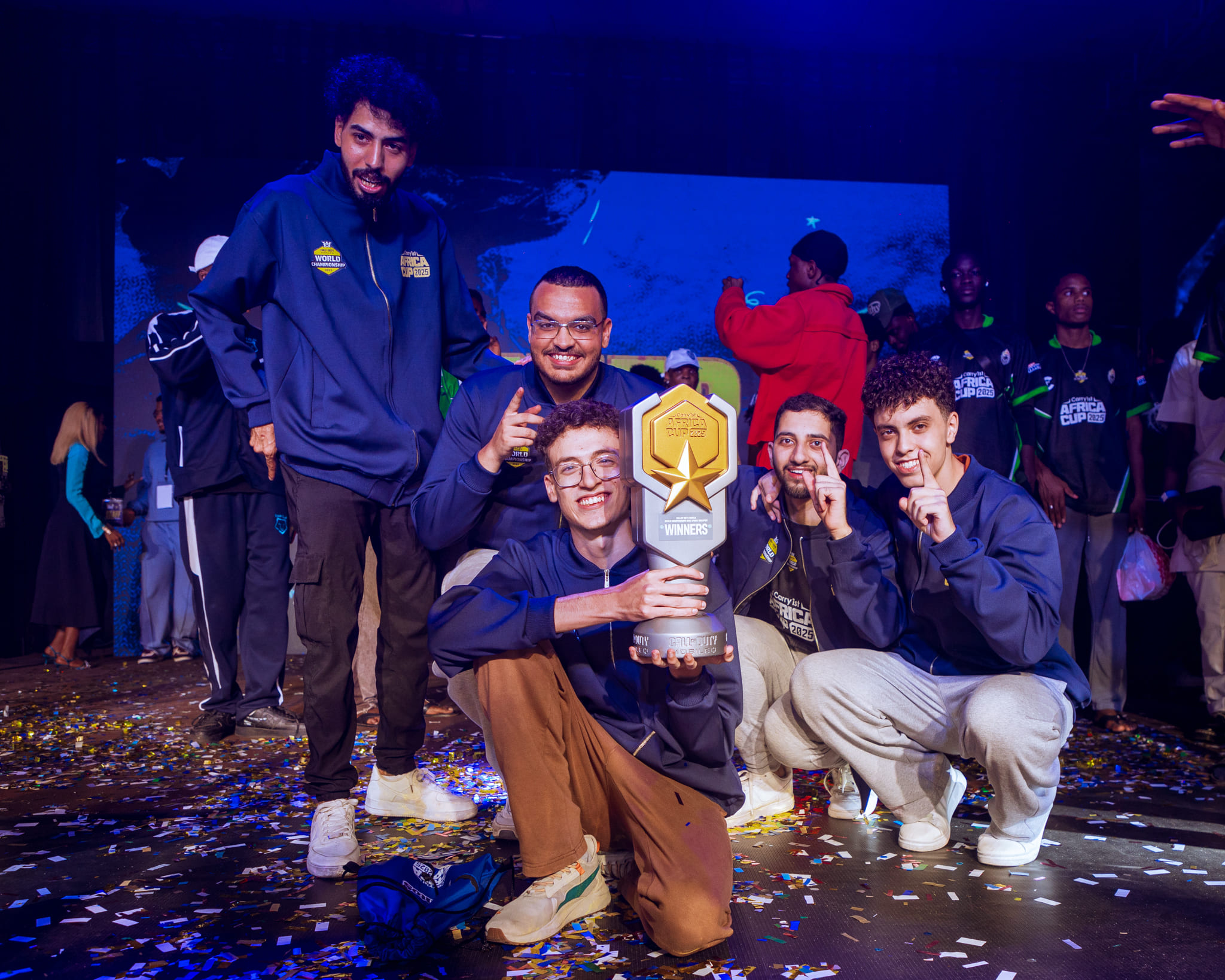
2025 Grand Finals Champions
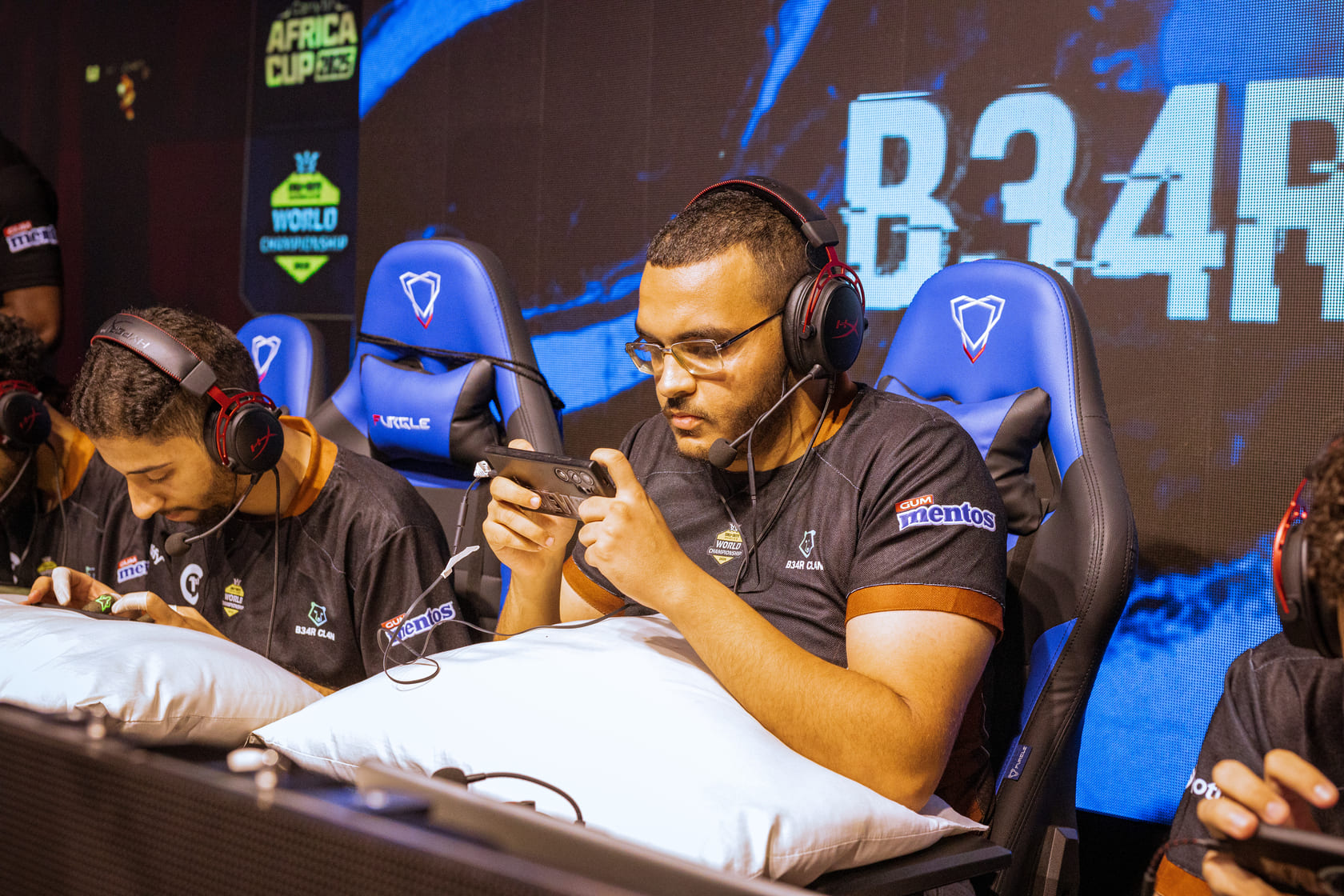
2025 GRAND FINALS CHAMPIONS B34R CL4N
2025 stage
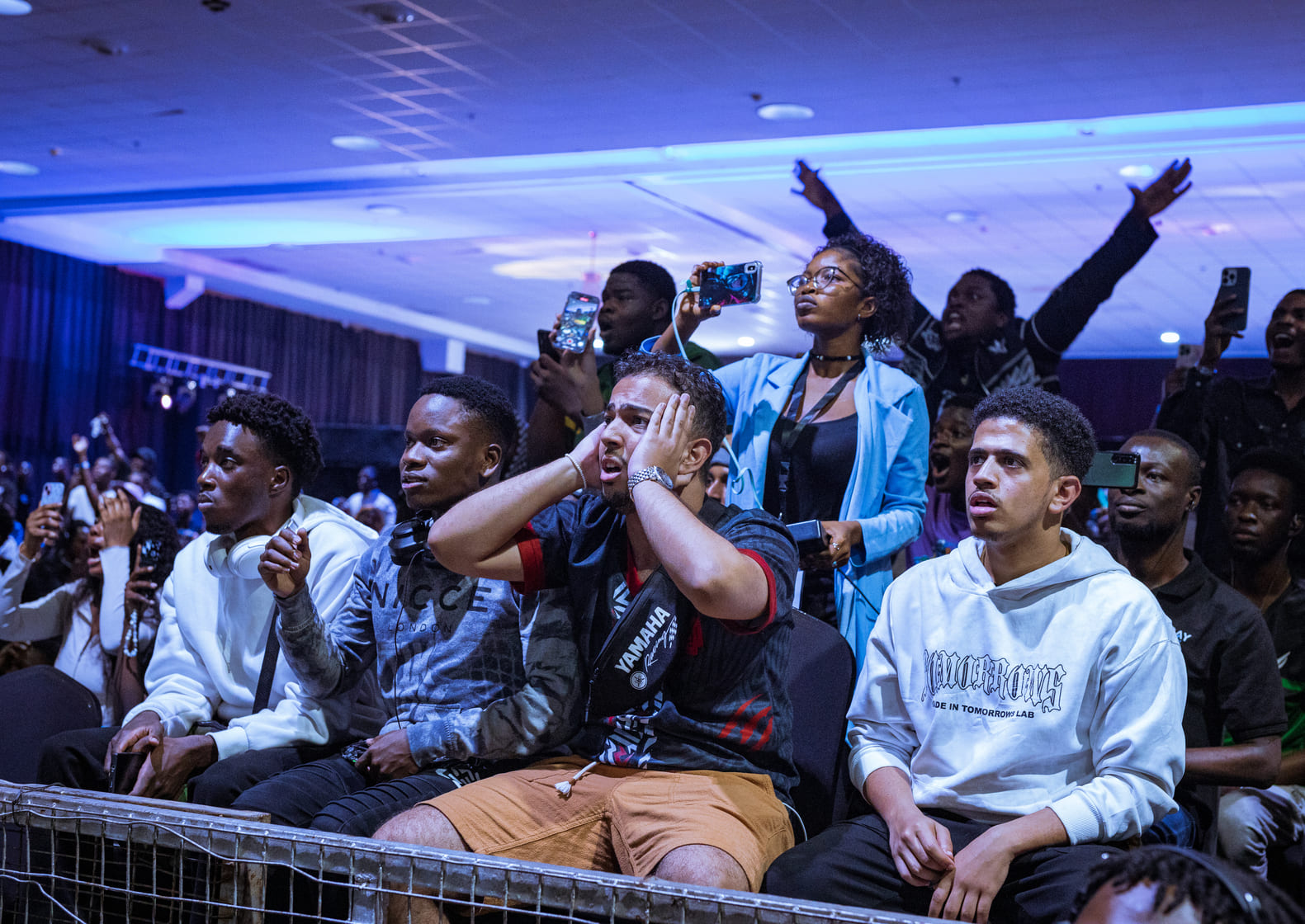
2025 crowd
DON'T MISS OUT REGISTER YOUR
TEAM TODAY
SIGN UP NOW
GOT QUESTIONS
FREQUENTLY ASKED

Log in or create a Carry1st account if you don't already have a profile. Then head to the game's page and click "SIGN UP" to register for the competition.

CREATE A TEAM
Go to your Carry1st Africa Cup profile page and click "New Team".
Enter your team name and optionally upload a team logo, then click "Create Team".
After creating your team, you can invite other players to join. The easiest way is to send them your team invite link - once they open the link, they will automatically be added to the team.

JOIN A TEAM
To join a team, ask your team captain to either send you the team invite link or invite you directly to the team.
If you are invited directly, you will receive a notification that allows you to accept the invitation and join the team.

PLAY A MATCH

Once the tournament starts and your first match is ready, it will appear on both the tournament page and in the Activity tab in the top right corner. Click the match to open the match page.
On the match page, you will find several important details:
Game Accounts - You and your opponent's in-game accounts will be listed. Make note of your opponent's account, as you will need to add them as a friend in-game.
Match Date - This is the scheduled start time of the match. If either participant is not present in the game lobby within 15 minutes of this time, they may be subject to a forfeit.
Host - The listed host is responsible for inviting the opponent in-game and creating the lobby or party. However, both participants may agree to let the other player host instead.
Chat - Use the match chat to communicate with your opponent and tournament admins.
Dispute - If your opponent breaks a rule or submits incorrect results, use the "Dispute" button. This will alert tournament admins and temporarily disable score entry.
All participants must join each other in-game using the accounts listed on the match page. Once everyone is ready and the match is set up according to the tournament rules, the match may begin.

FINISH A MATCH & REPORT RESULTS

After all games have been completed and a winner has been decided, both participants must report the results on the match page by clicking "Enter Result".
Note: In team-based tournaments, only team captains can submit match results.
Once a result has been entered, the opposing participant or team will have 5 minutes to accept or reject the score before it is automatically accepted.
Participants will then either advance to the next round or be eliminated from the tournament. This process repeats until the tournament has been completed.

Join our Discord support server for assistance.

Powered up by