
Carry1st Africa Cup

EIGHT TEAMS
ONE CROWN
ONE WEEKEND




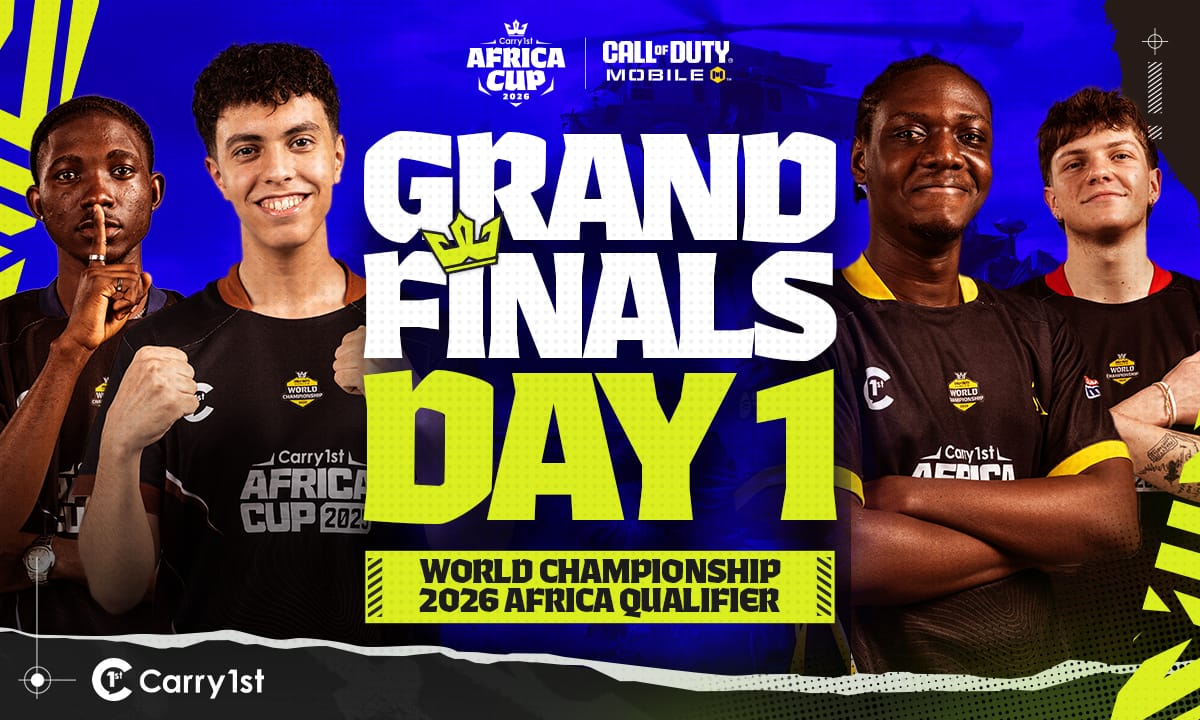
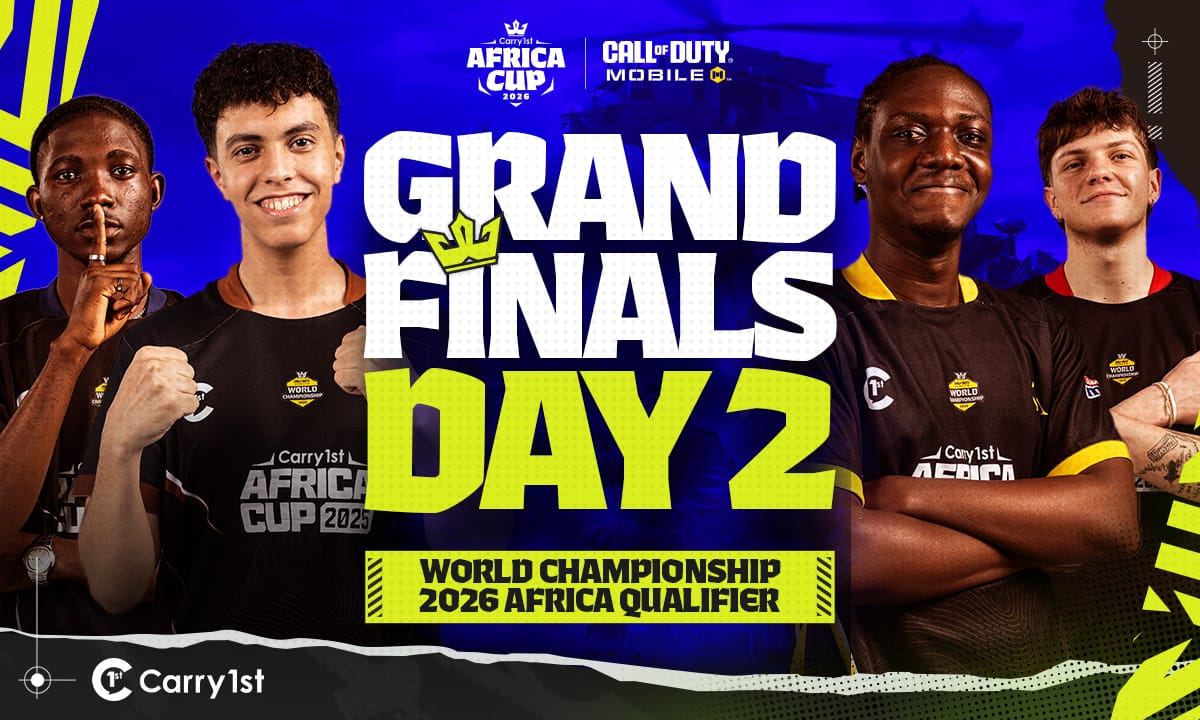
Main Bracket
Round 1
Lower Bracket
-
Mighty-Aura team page
West Africa
 Mighty-Aura
-
Echo 7 Gaming team page
West Africa
 Echo 7 Gaming
-
Paradox Gaming team page
North Africa
 Paradox Gaming
-
B34R CL4N team page
East Africa
 B34R CL4N
-
Awuah Sports Gaming team page
Southern Africa
 Awuah Sports Gaming
-
Cyclone Esports team page
Southern Africa
 Cyclone Esports
-
Eclipse Gaming team page
Nigeria
 Eclipse Gaming
-
SYRIX Sierra 7 team page
Nigeria
 SYRIX Sierra 7

PLAY THE WORLD.
The Carry1st Africa Cup champion represents the entire continent at the Call of Duty: Mobile World Championship 2026.
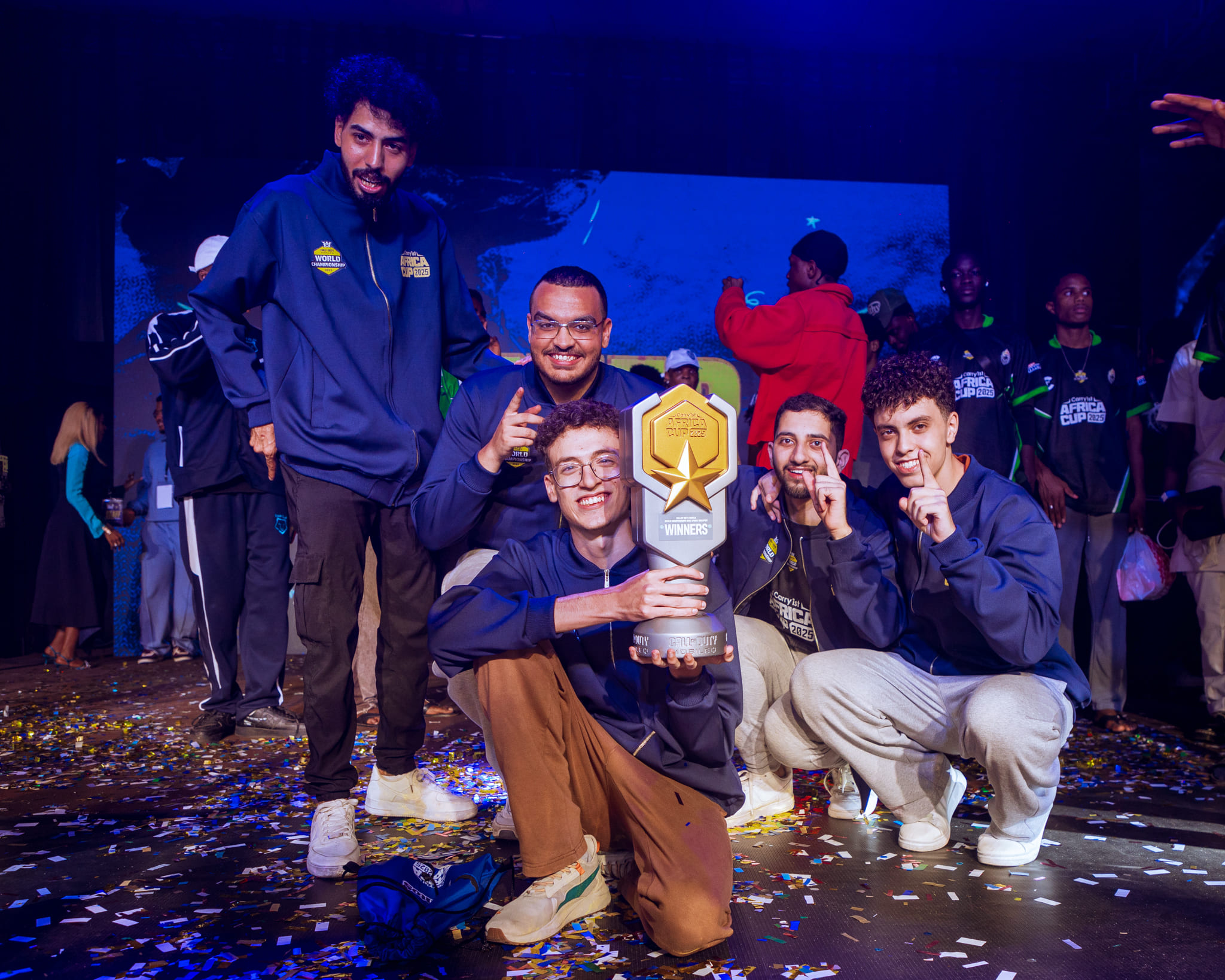
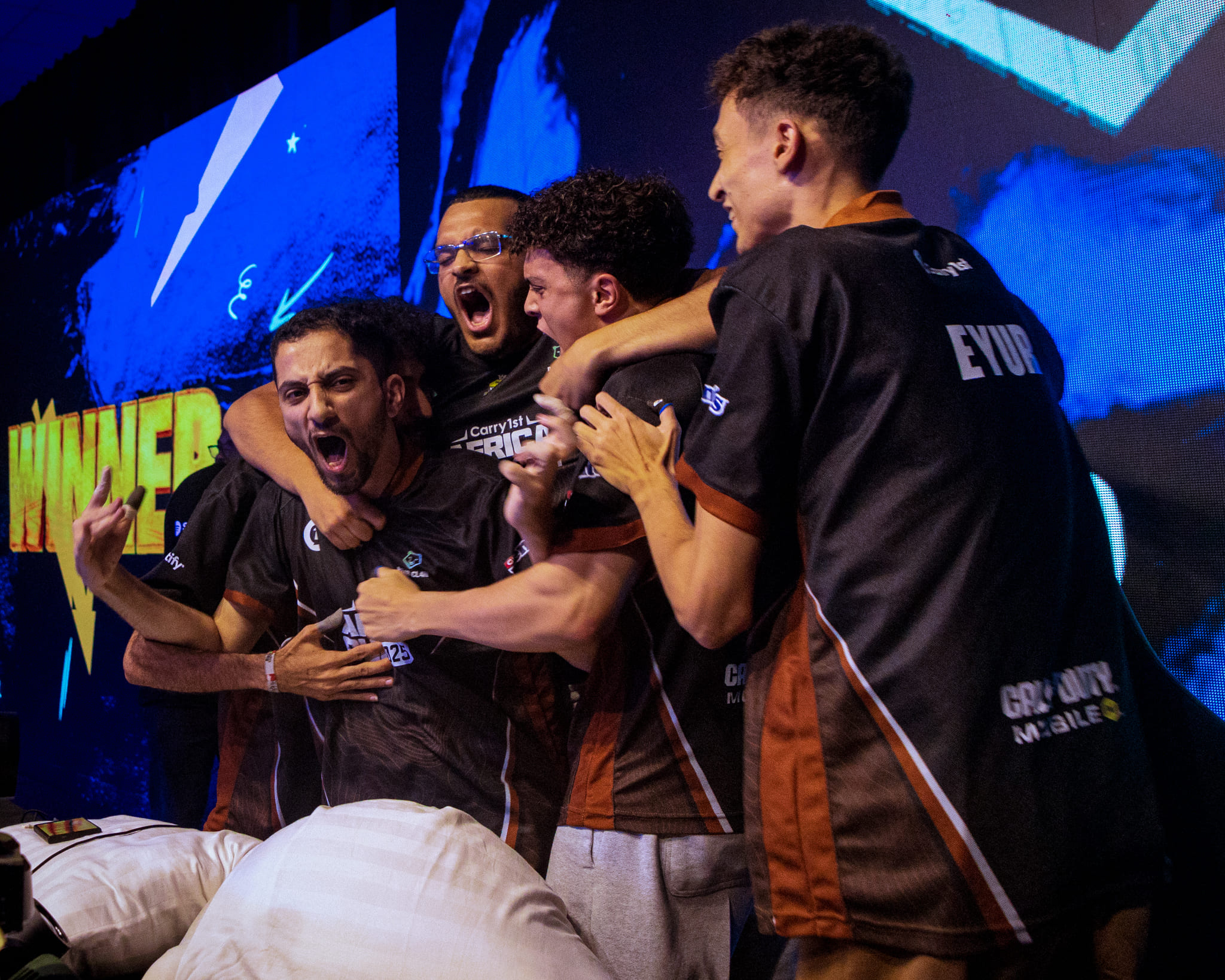
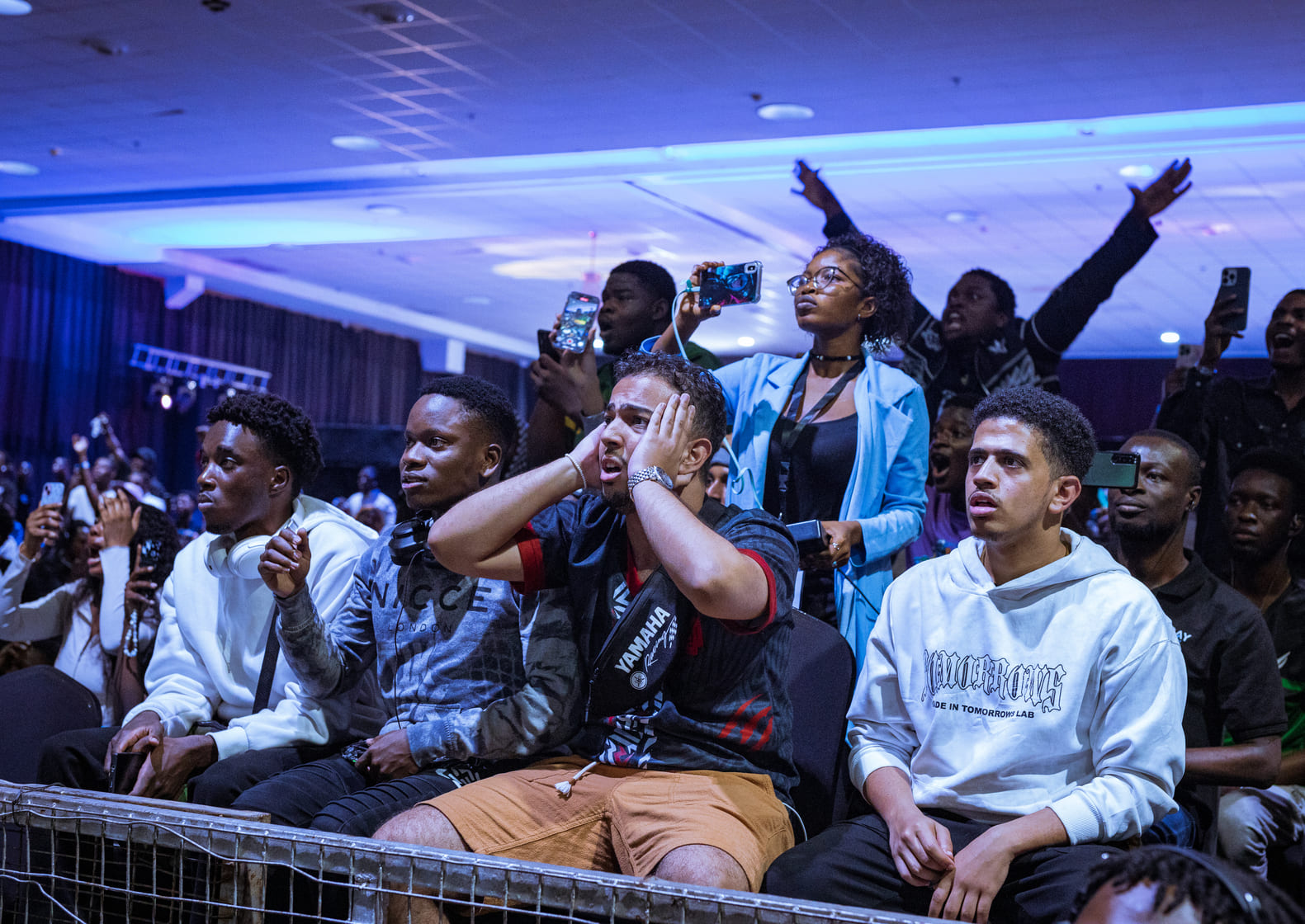
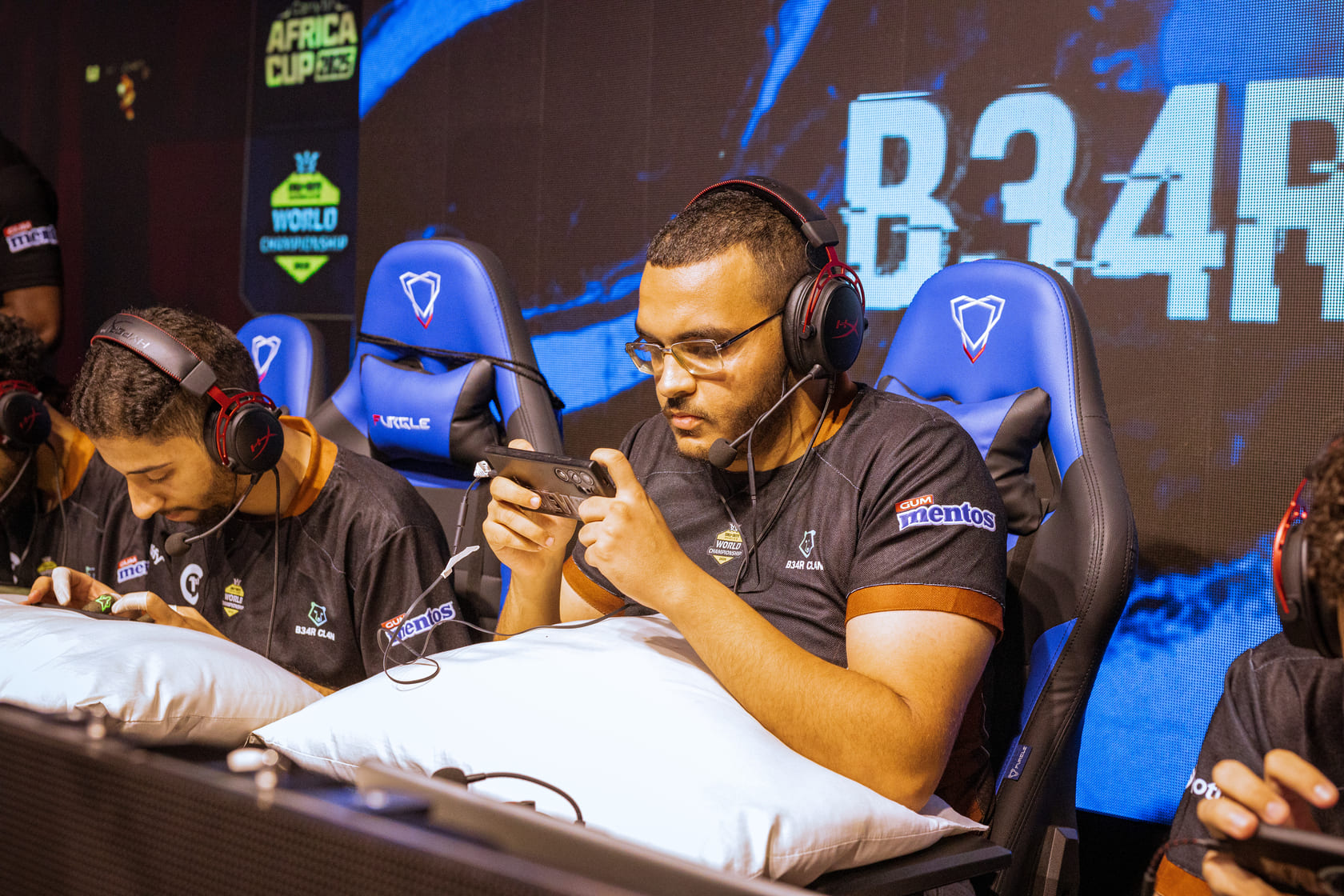
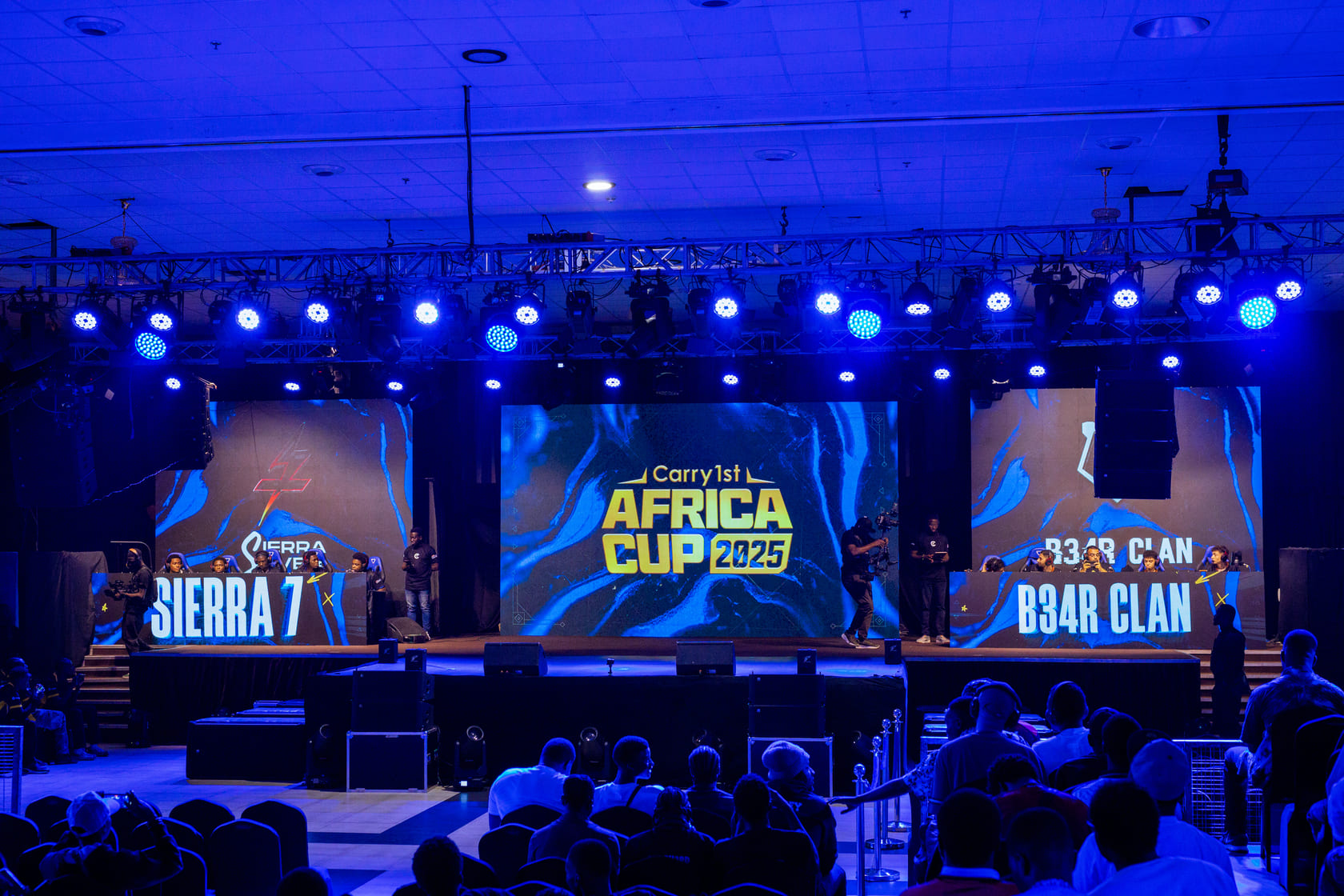

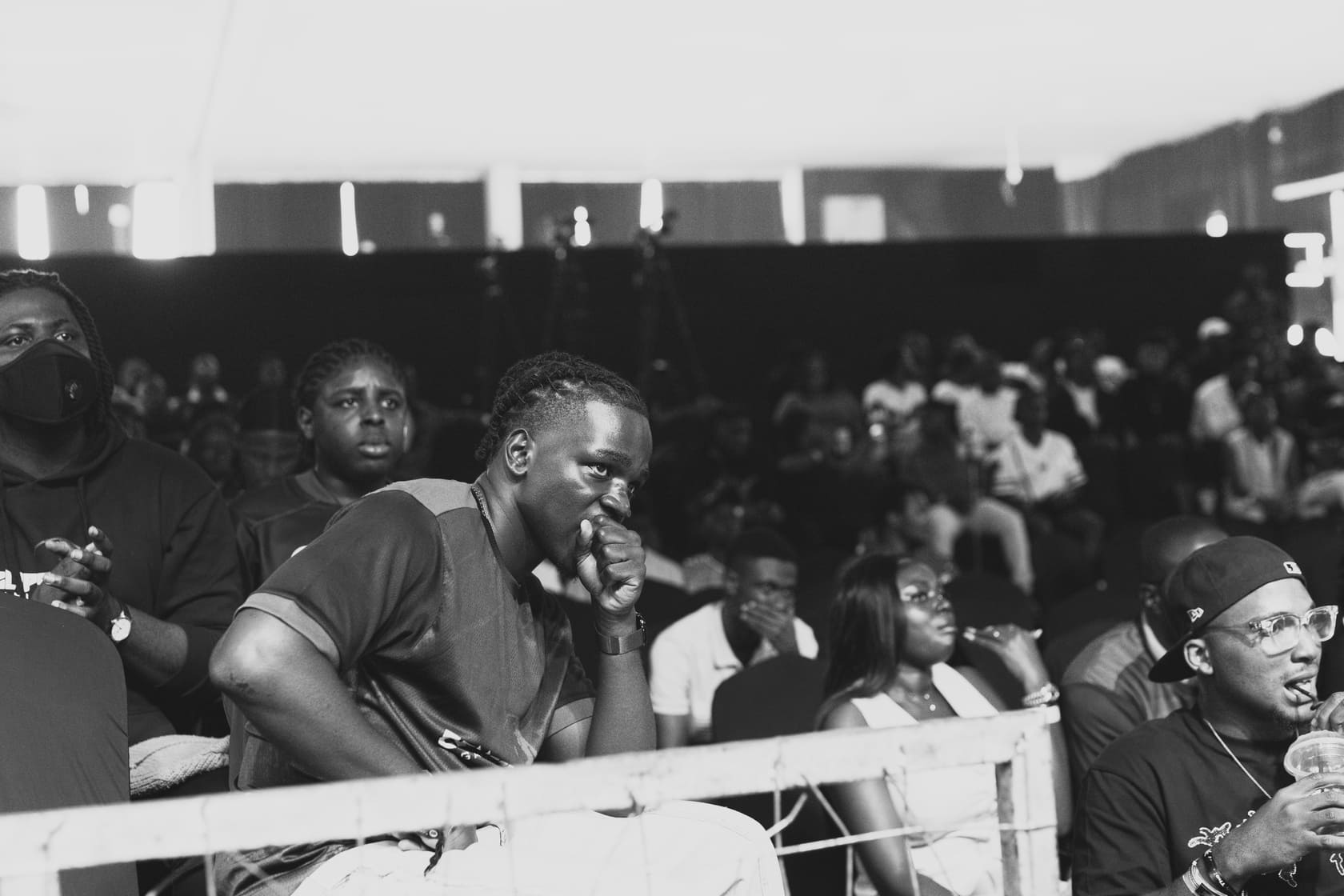
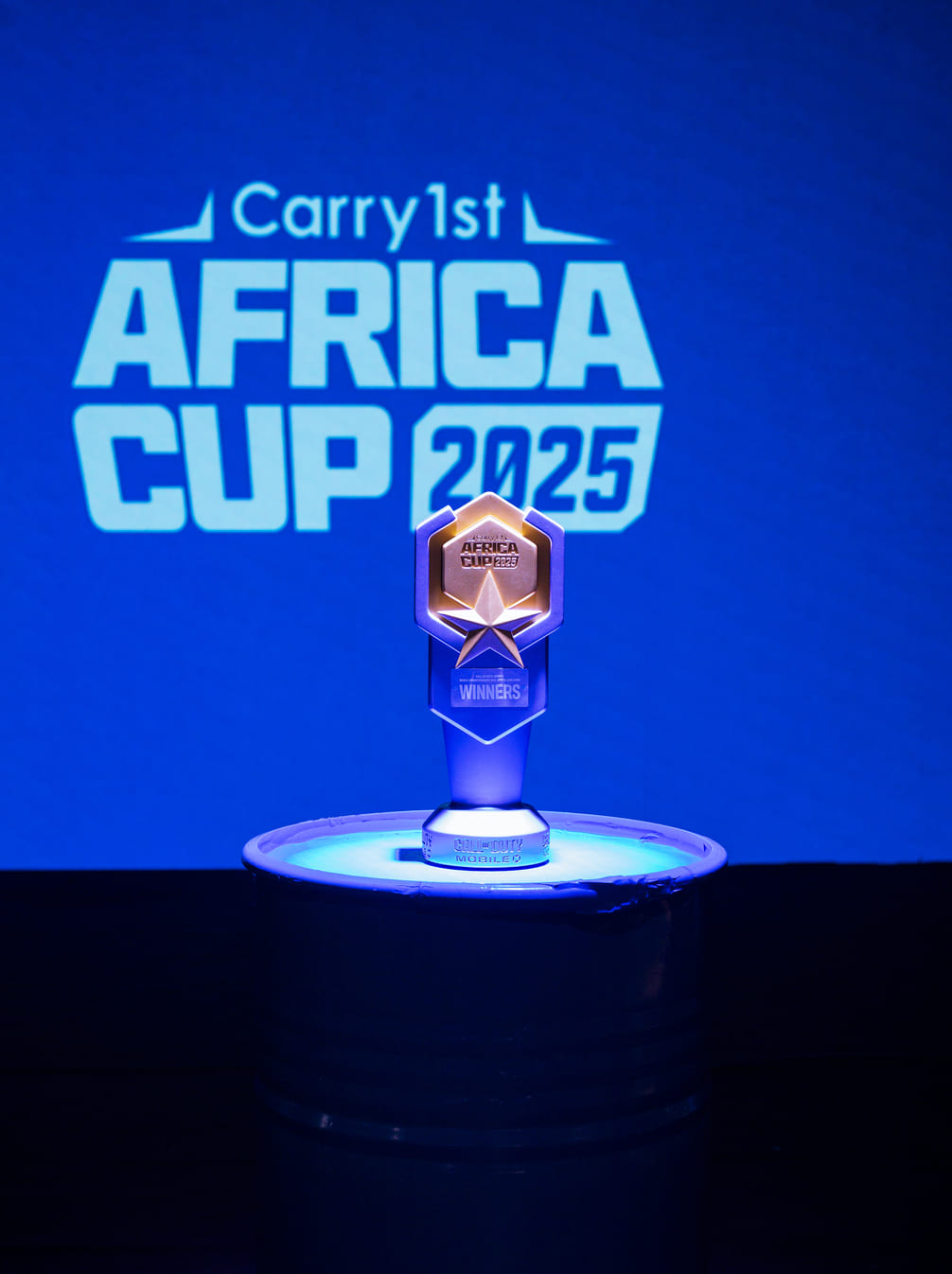
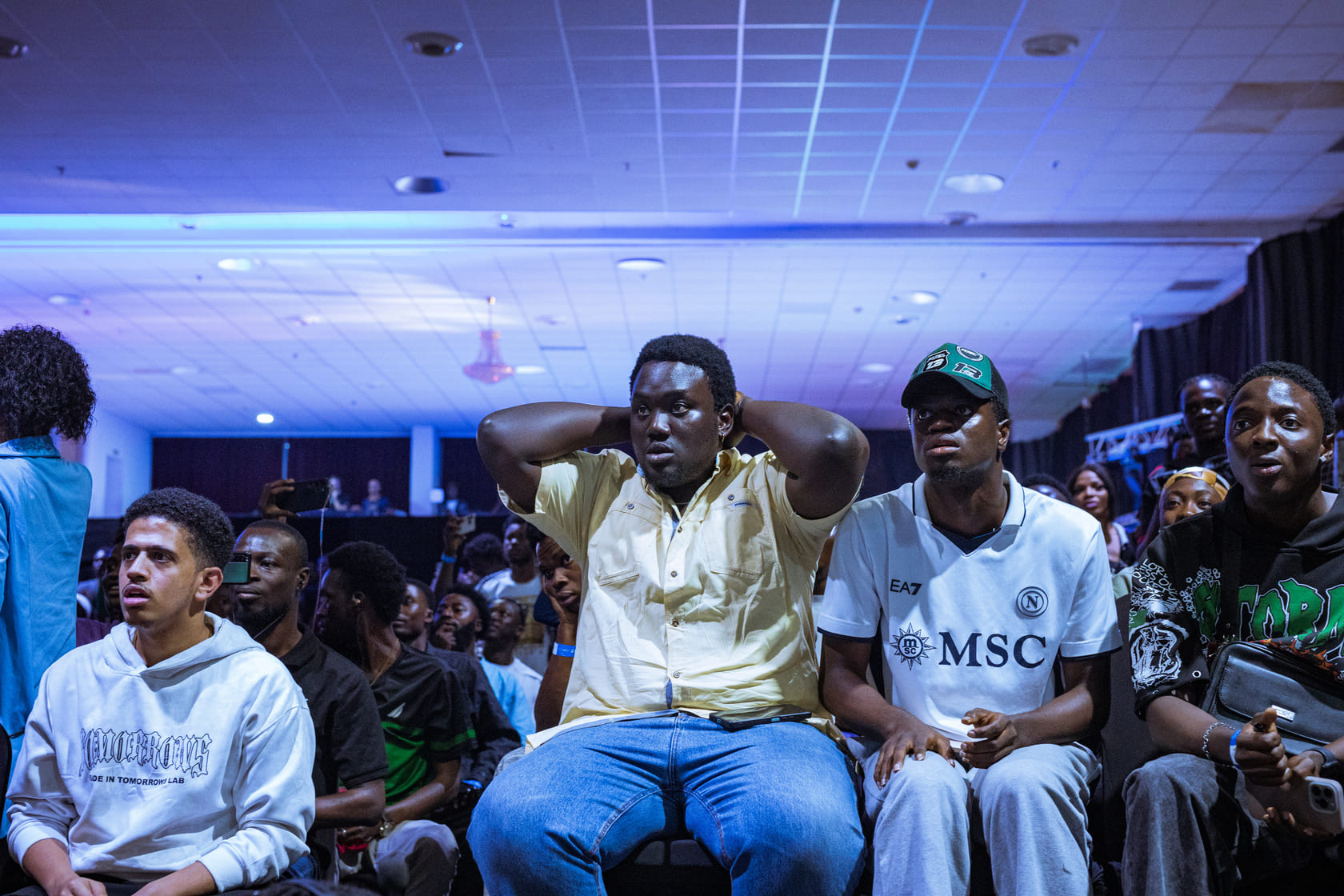
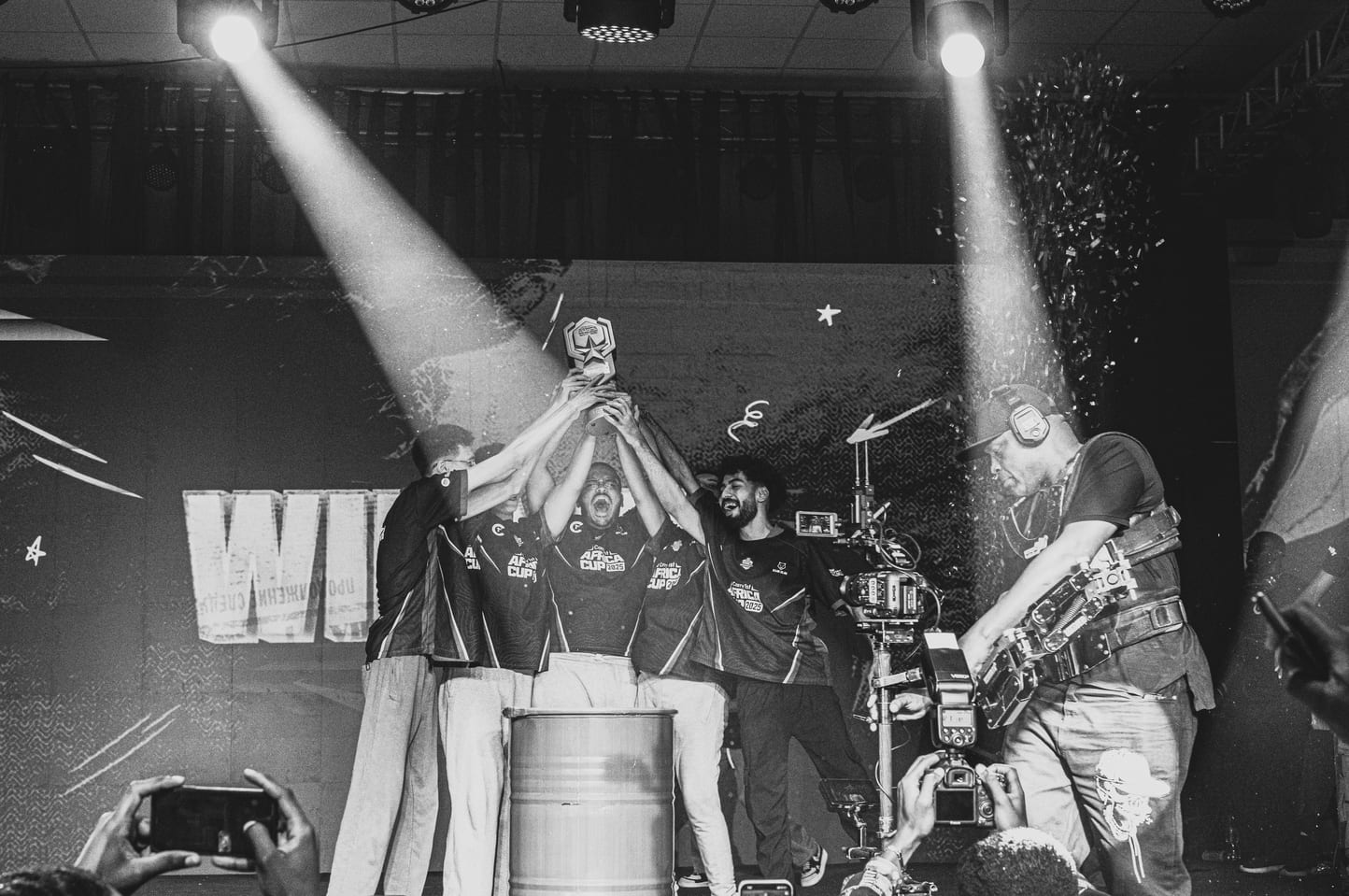
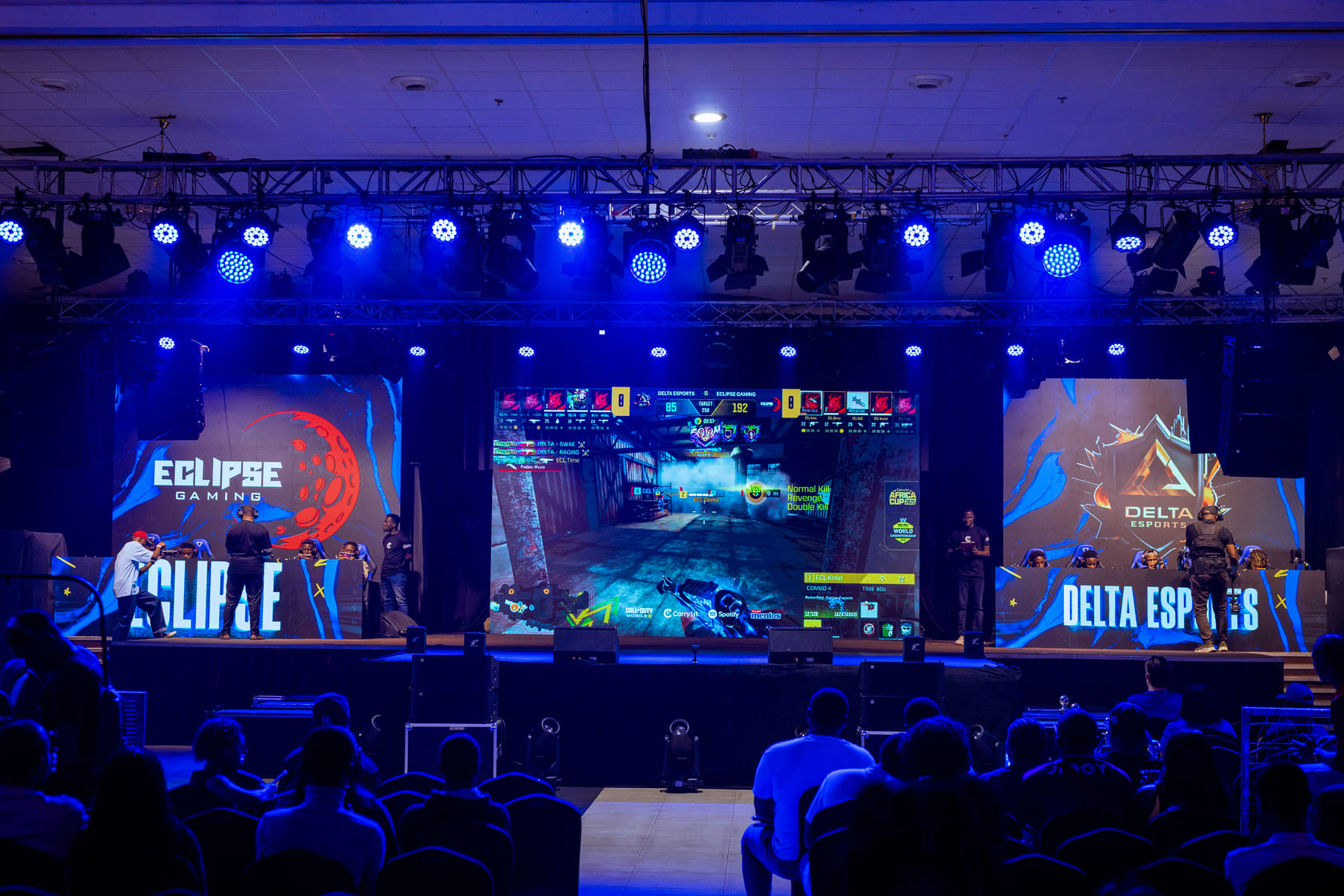
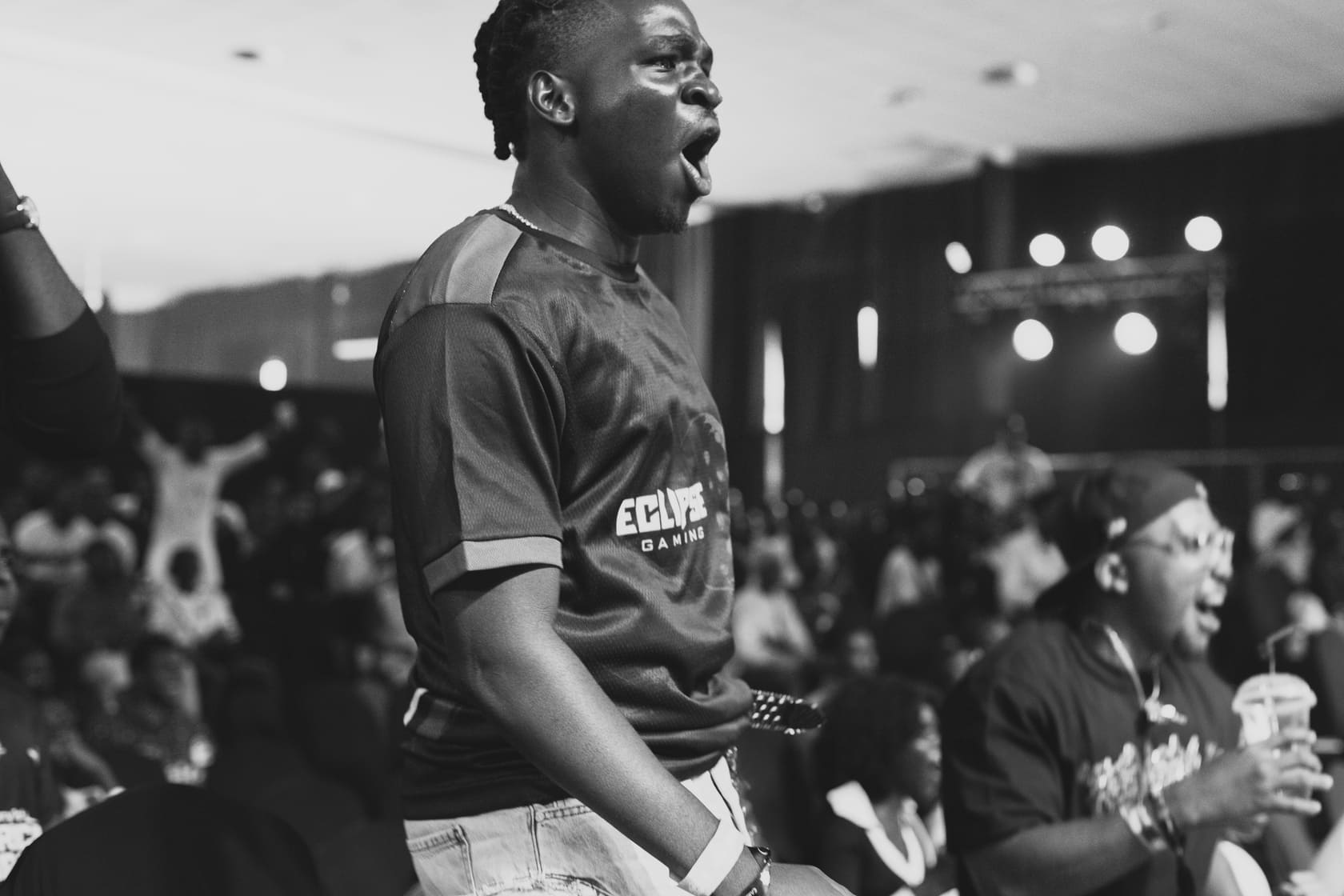
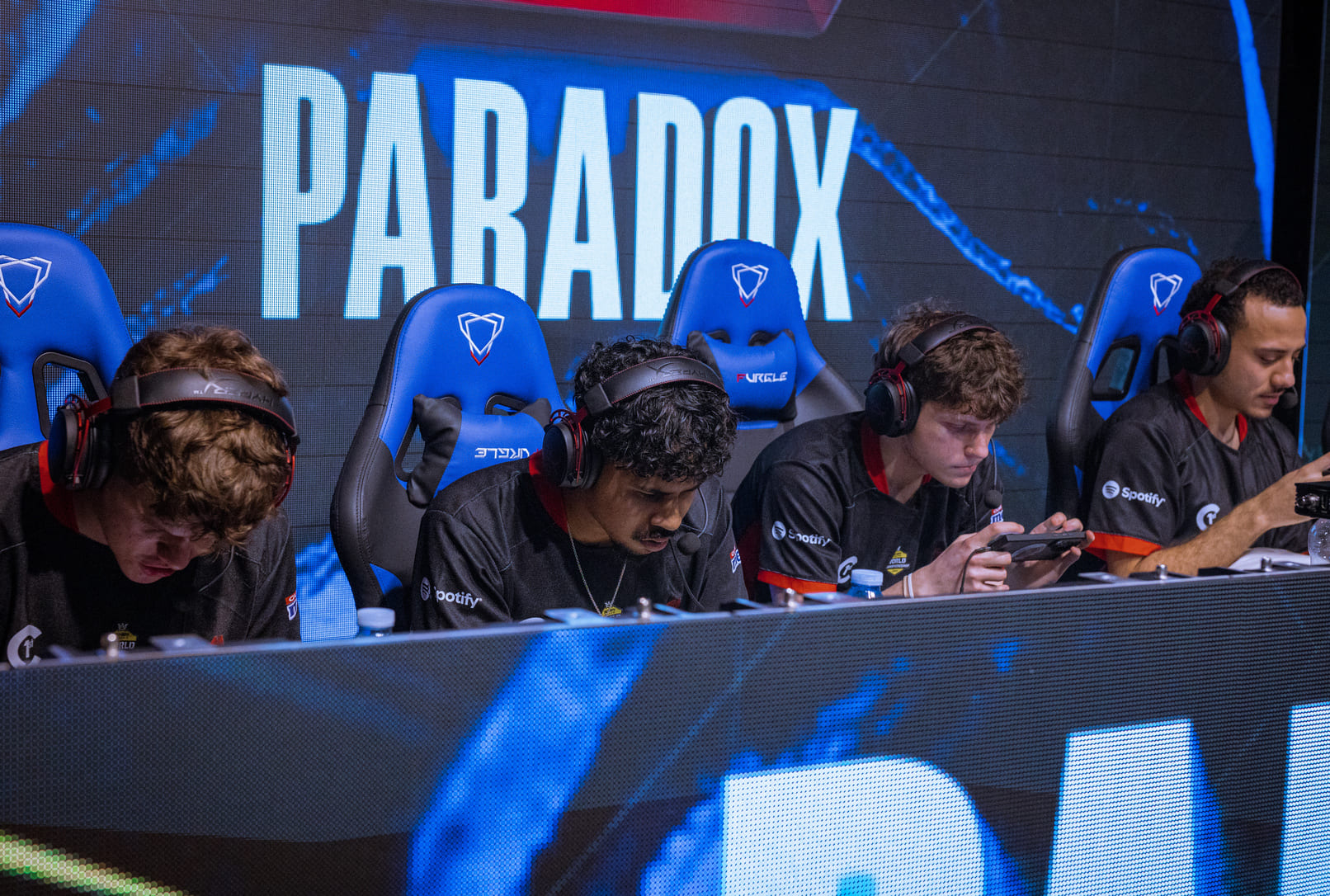
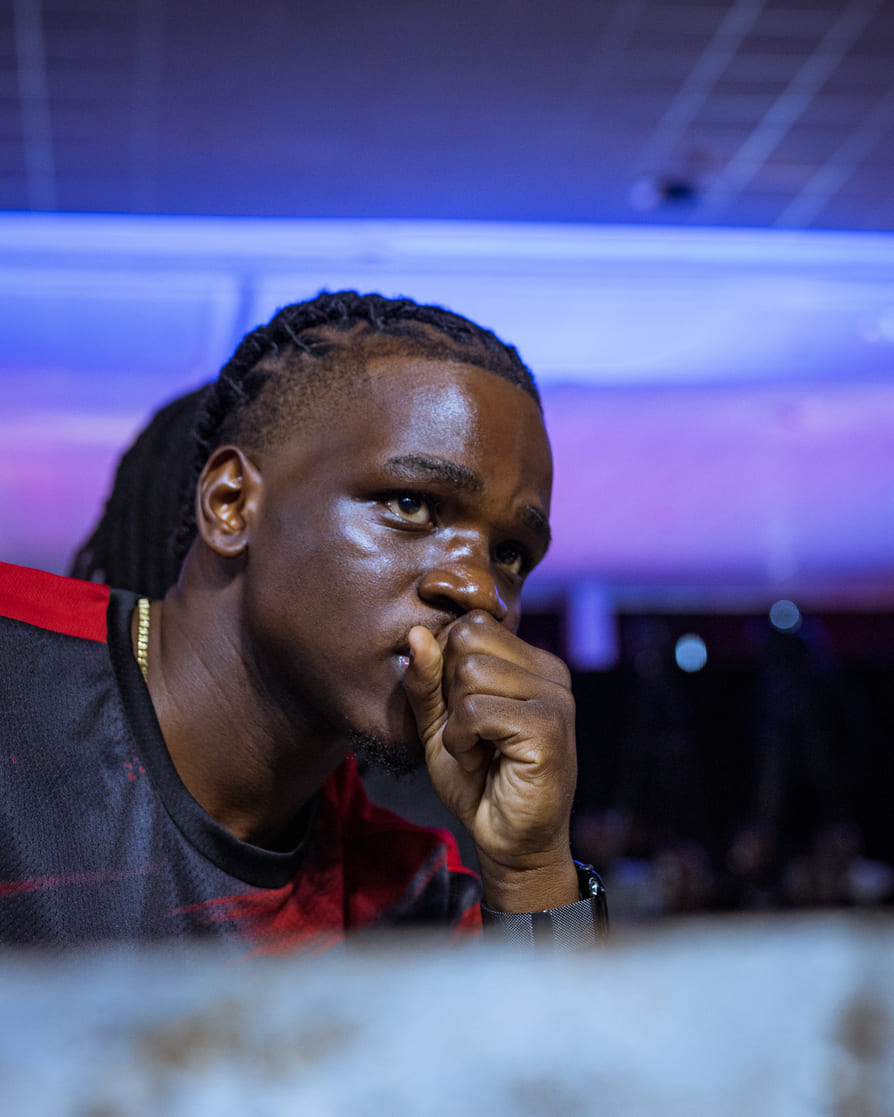
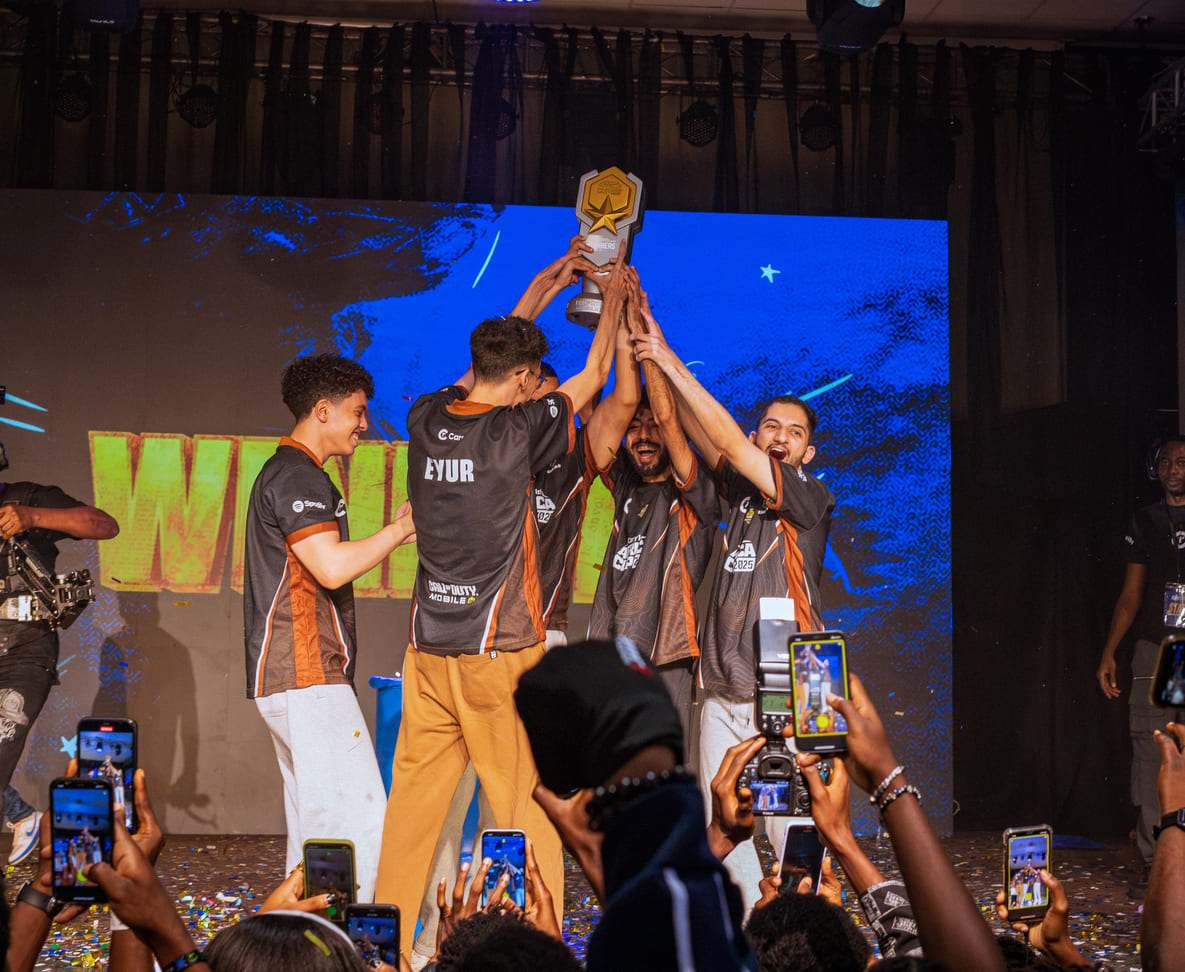
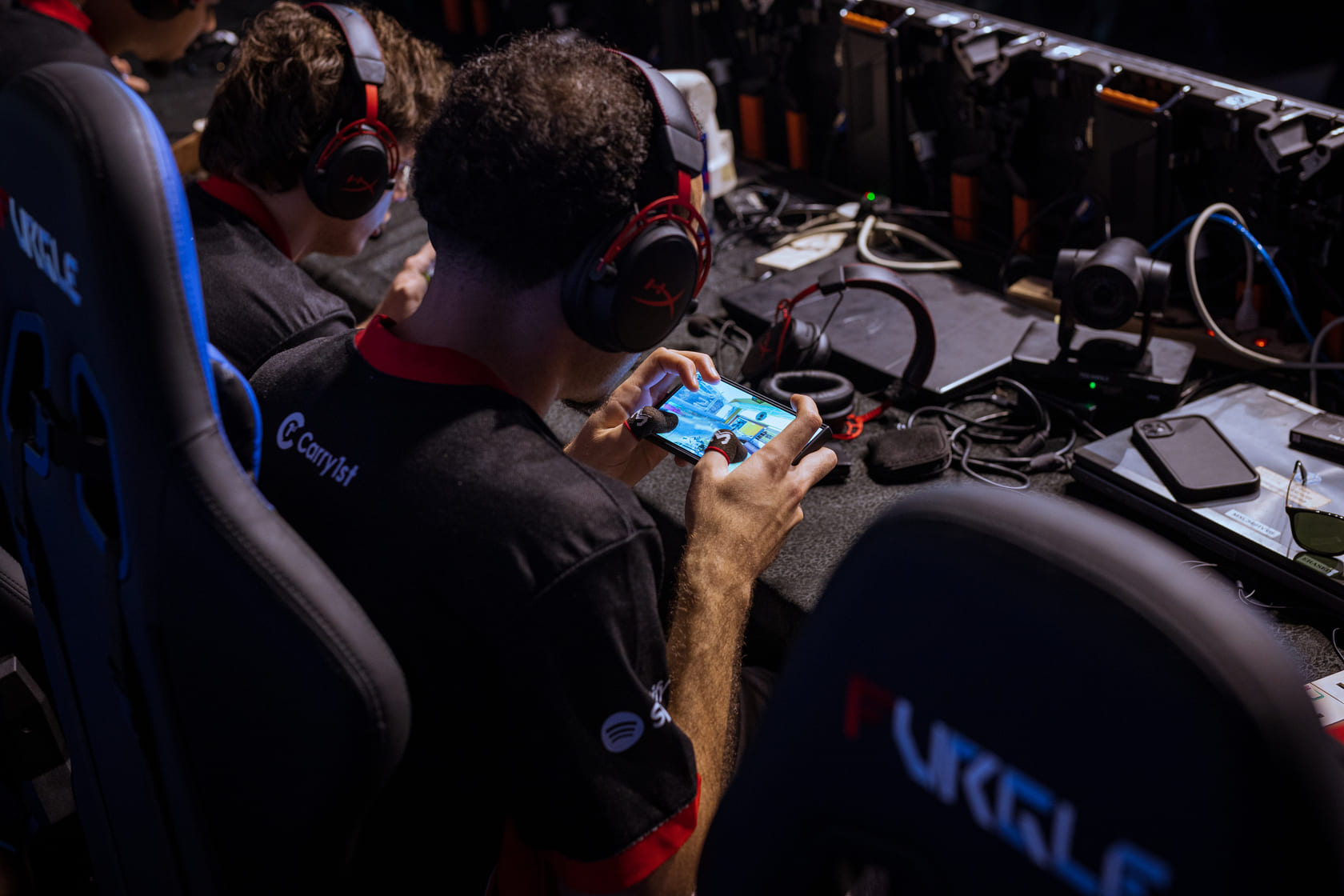
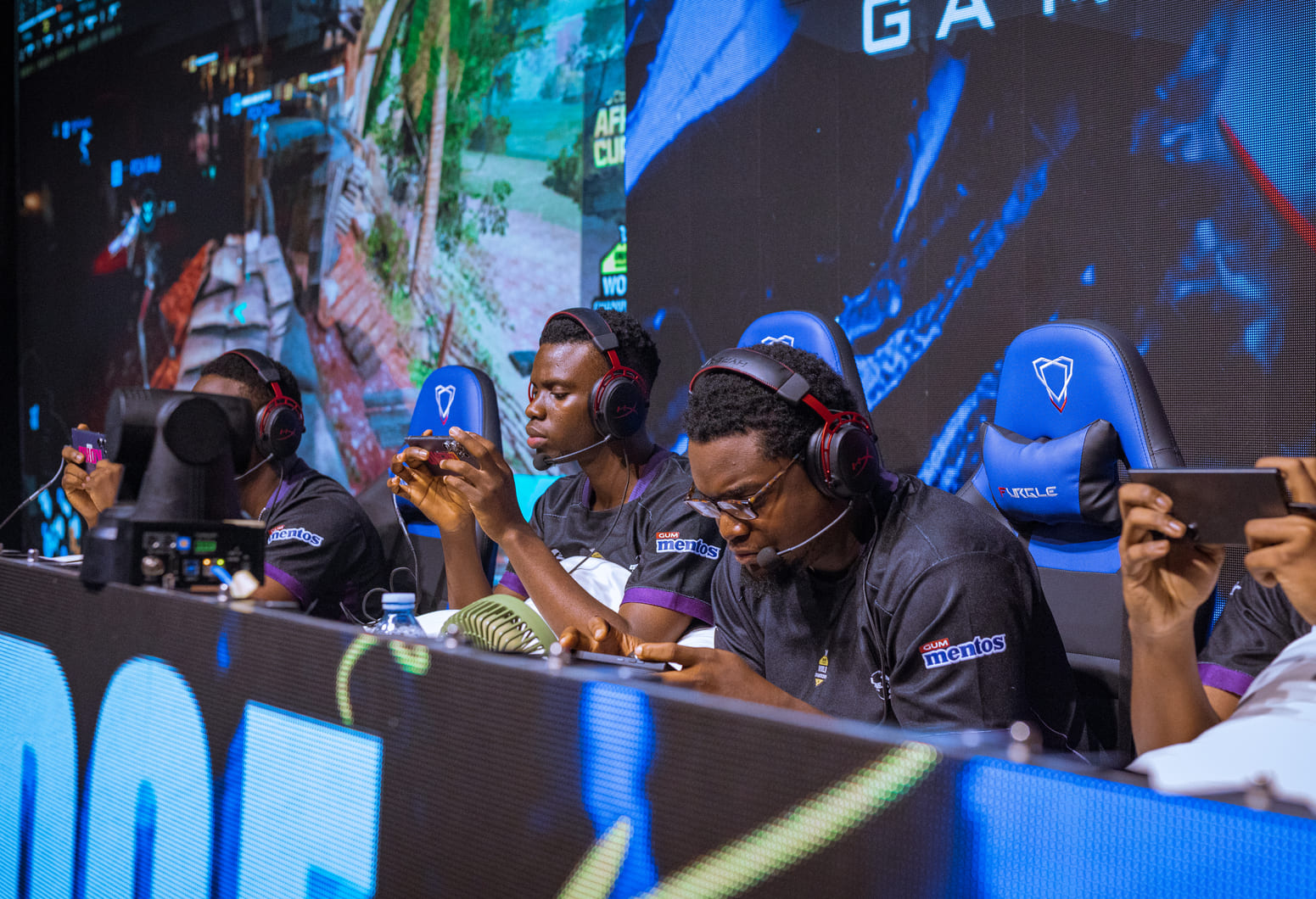
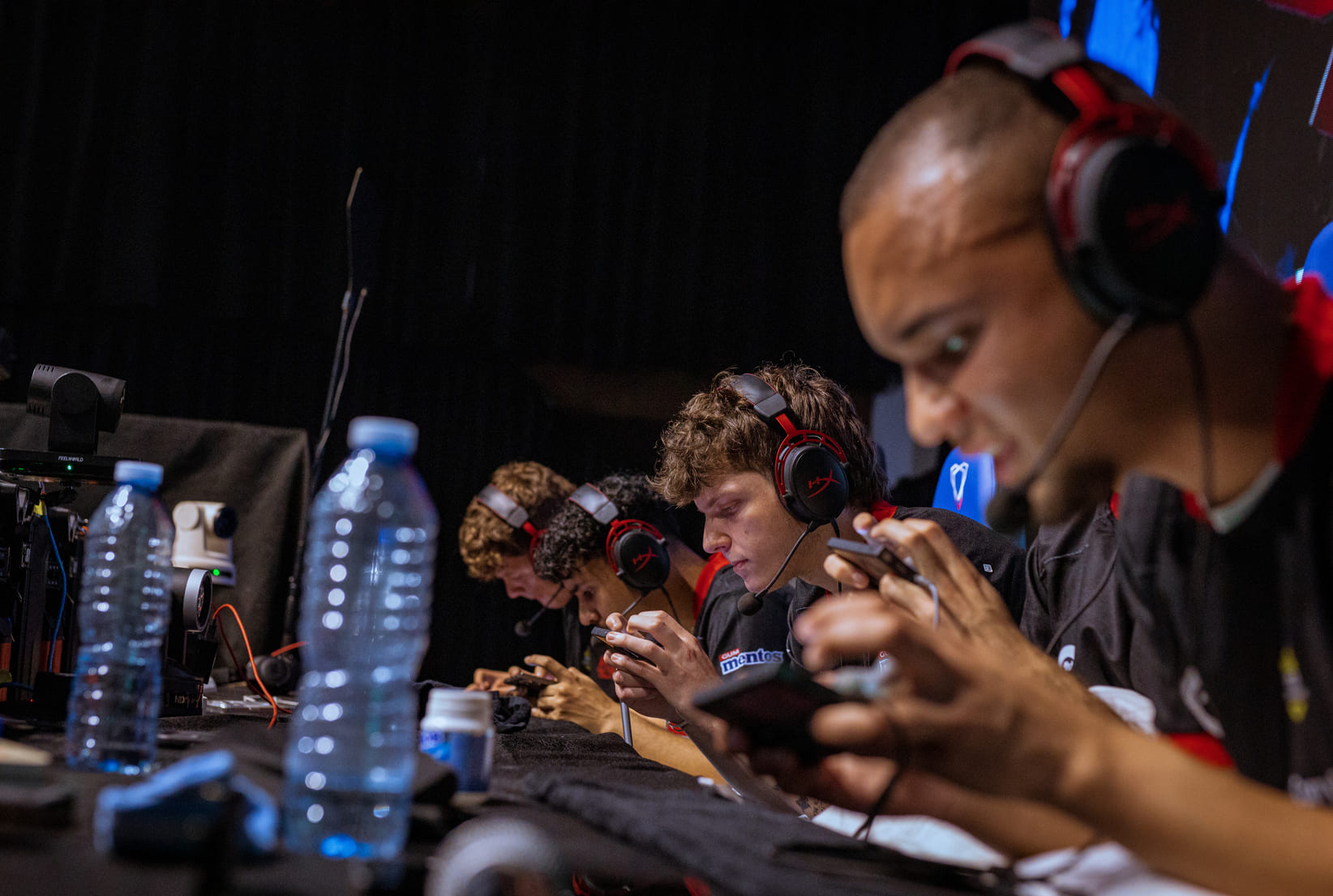
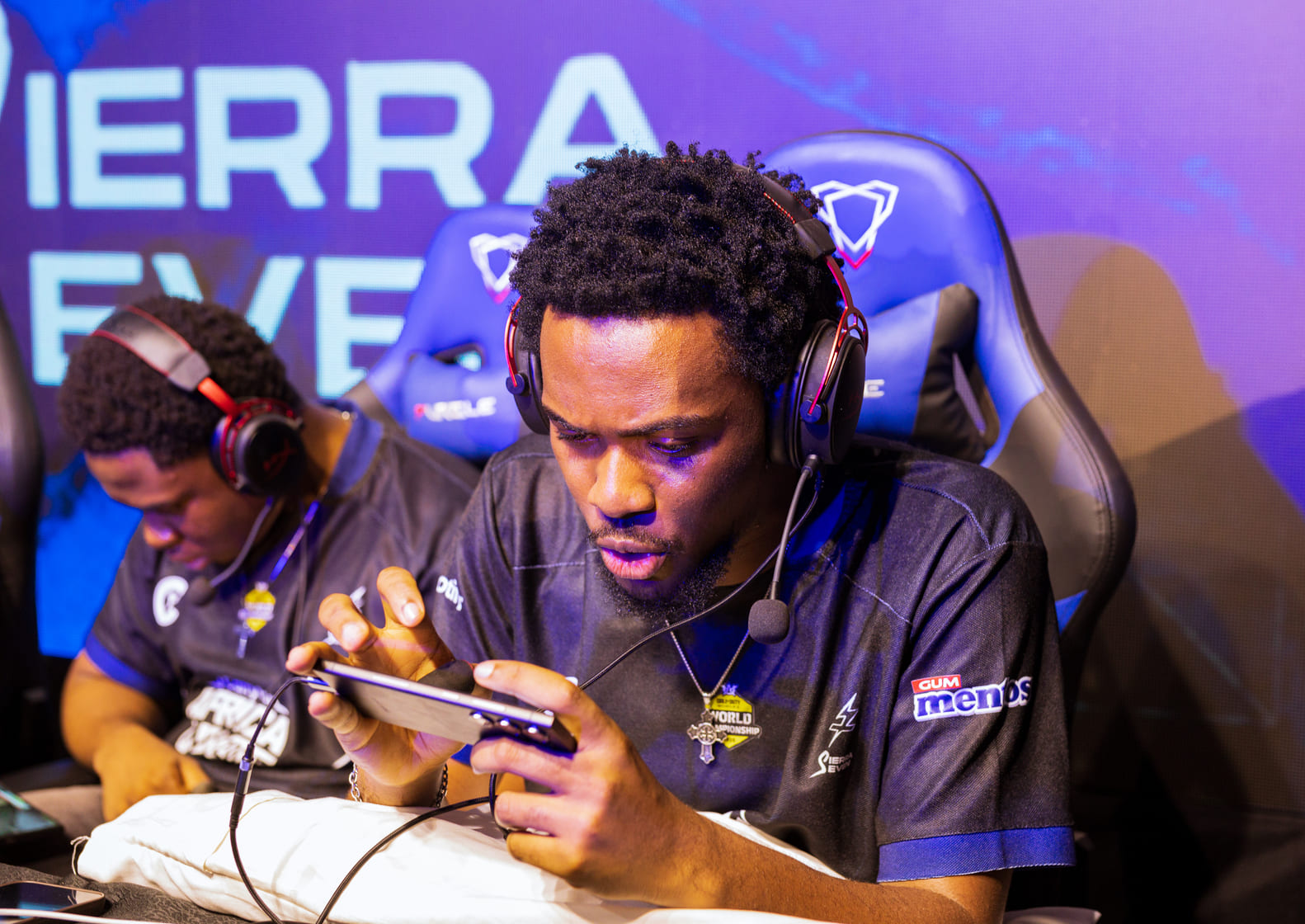
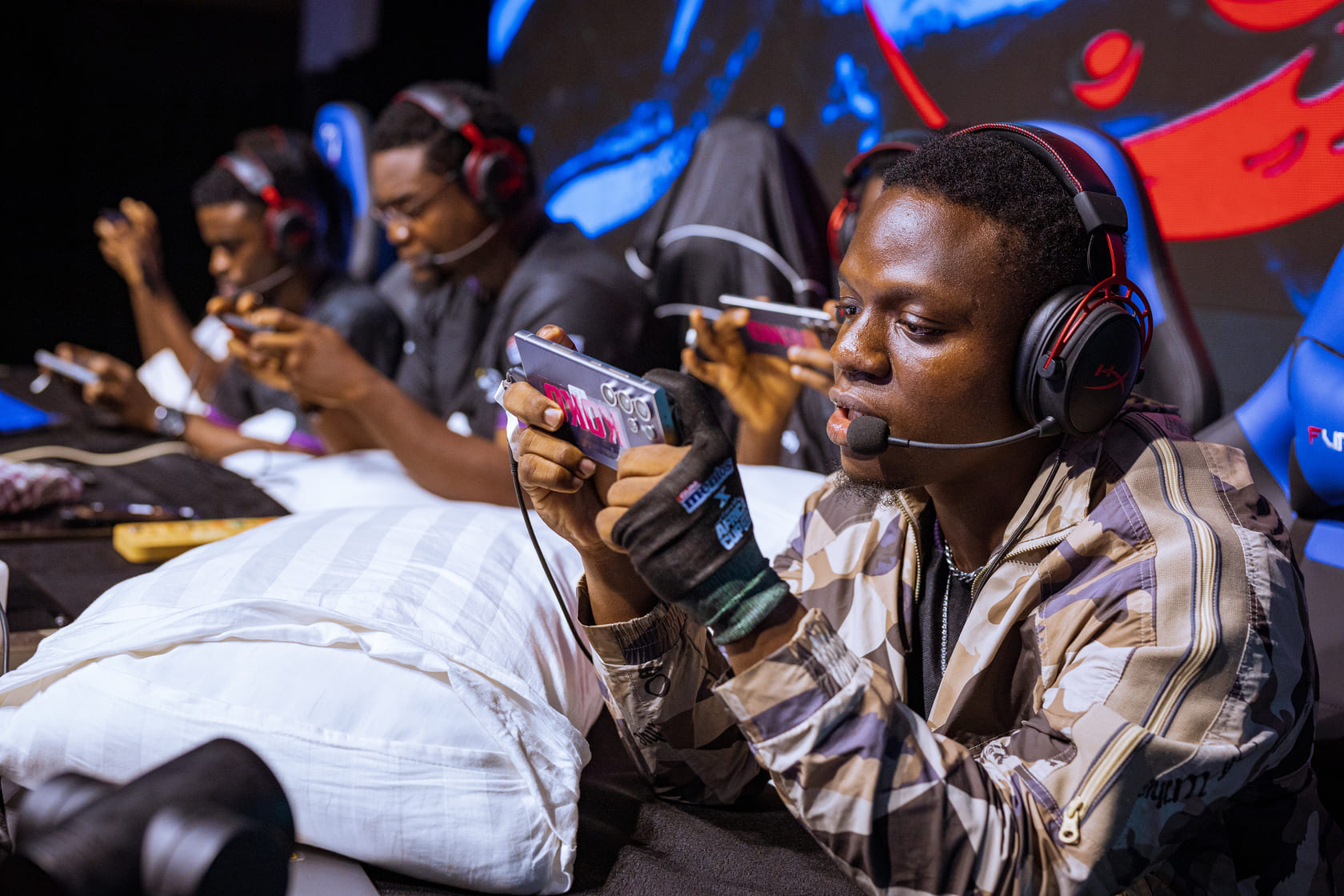
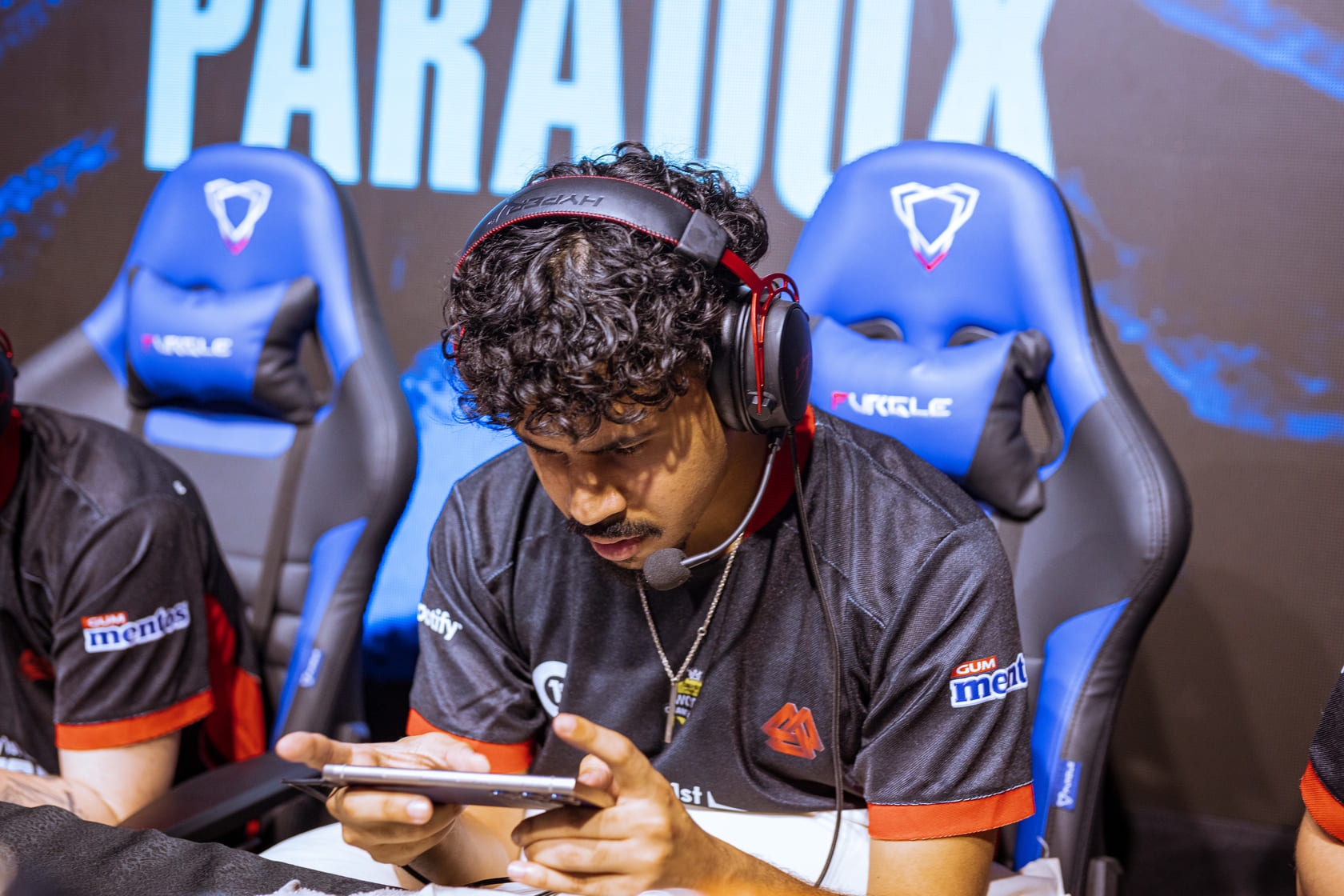
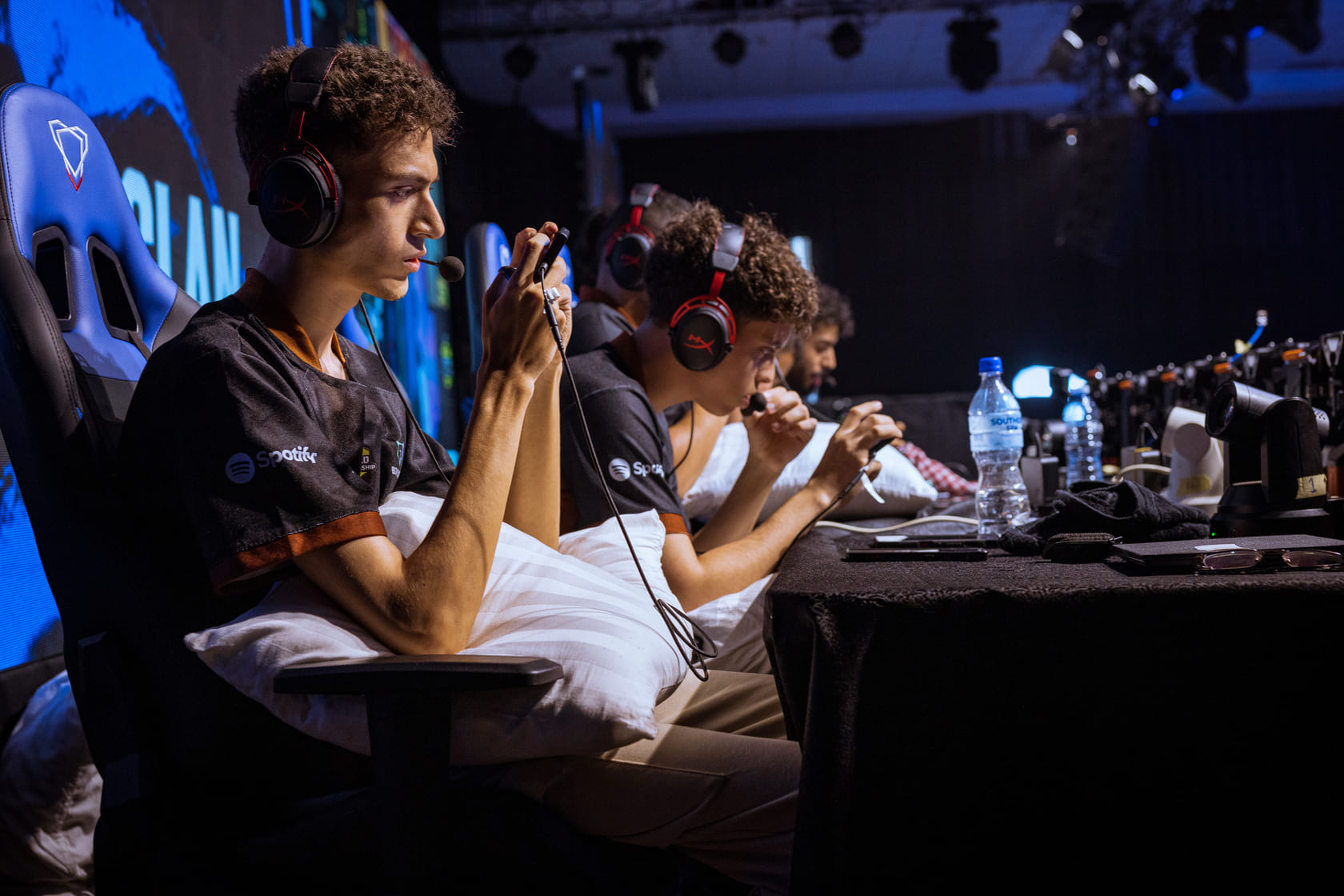
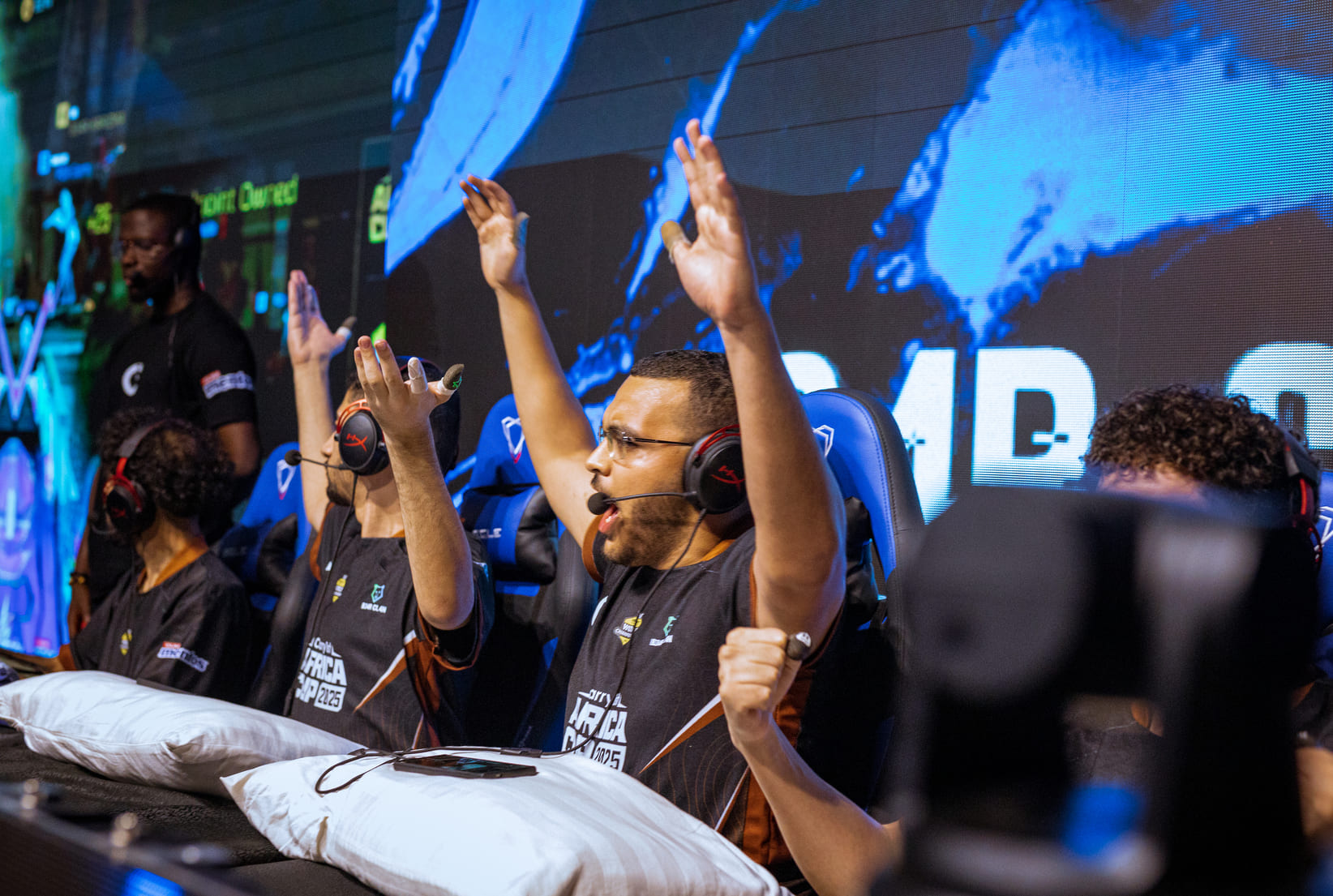
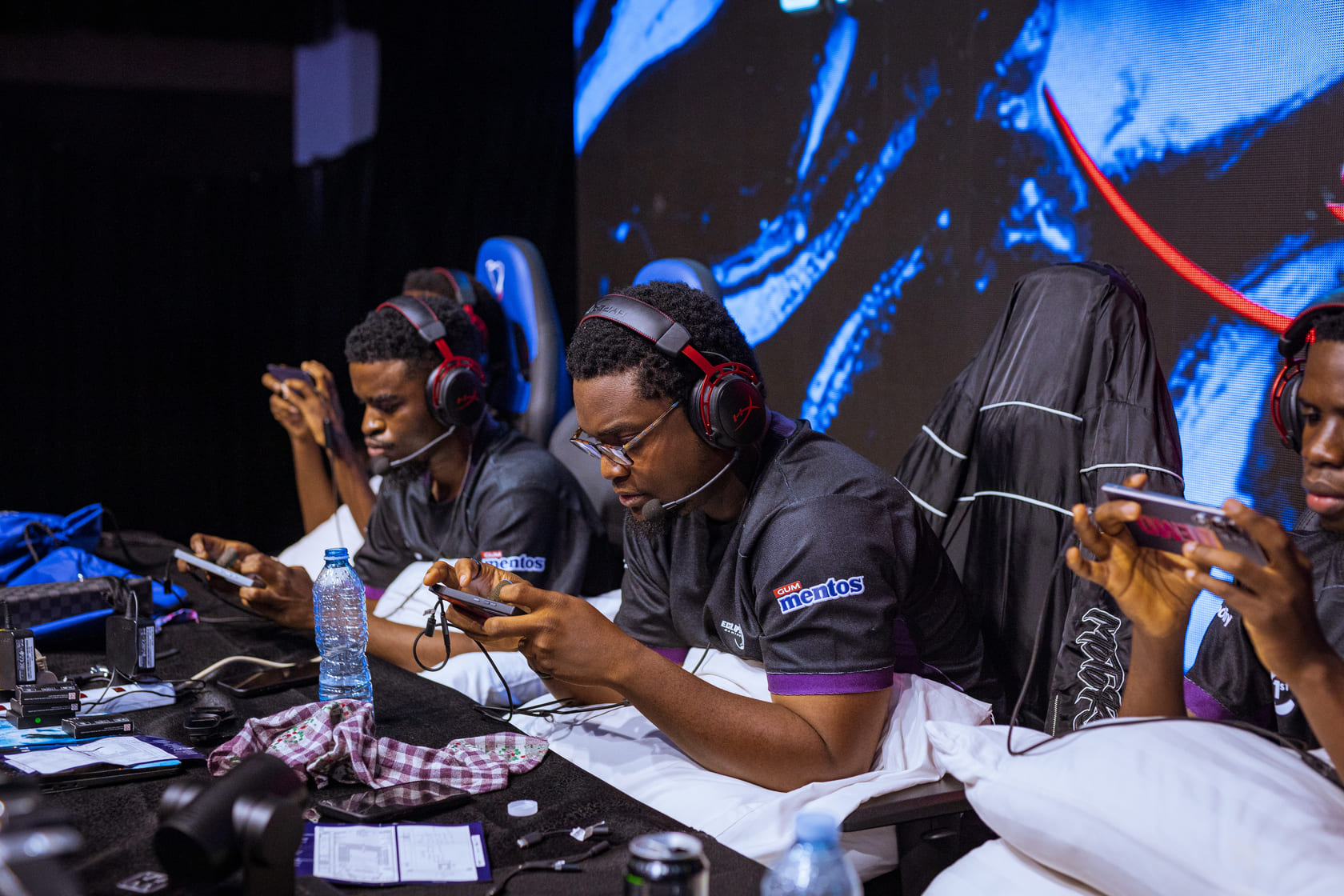
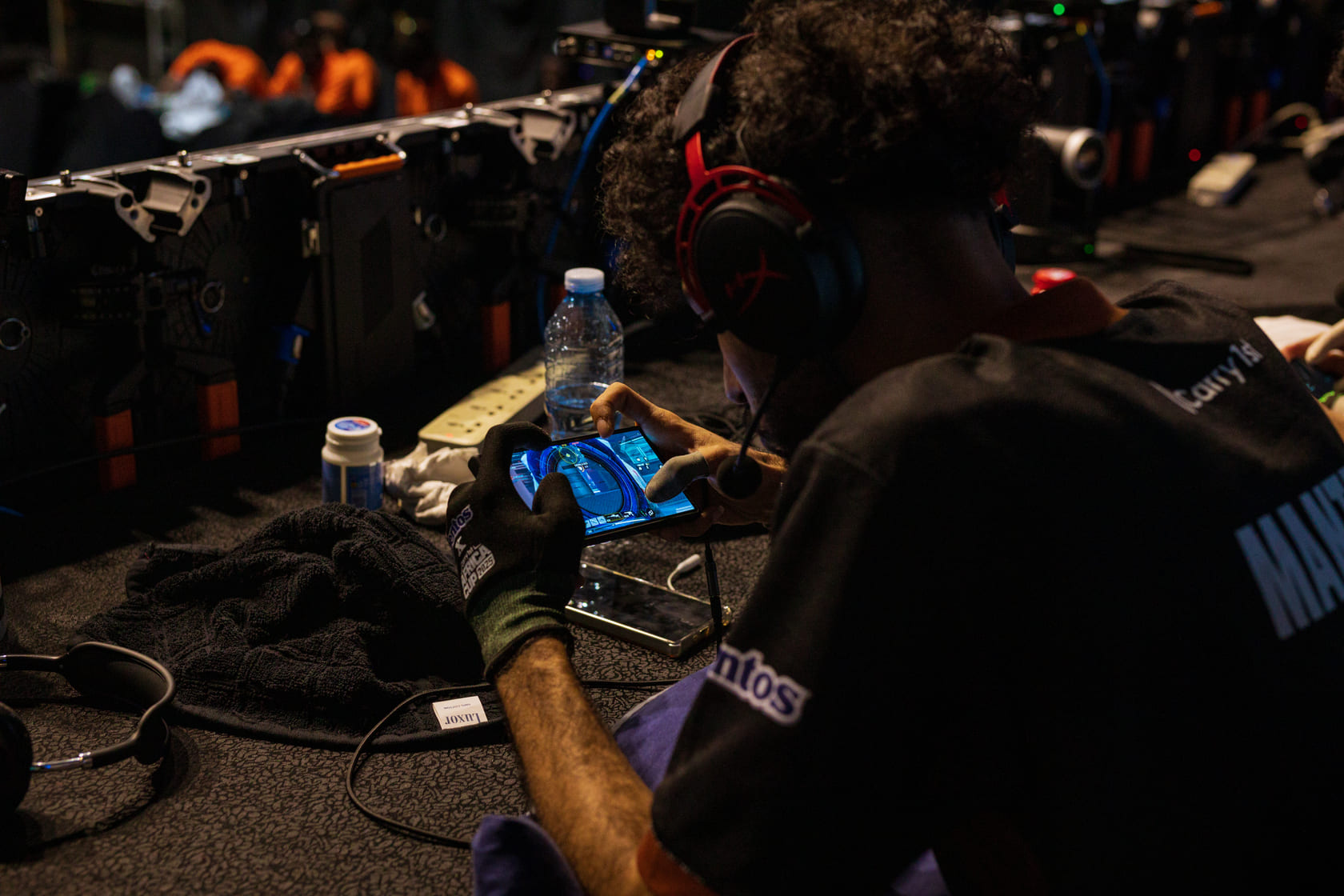
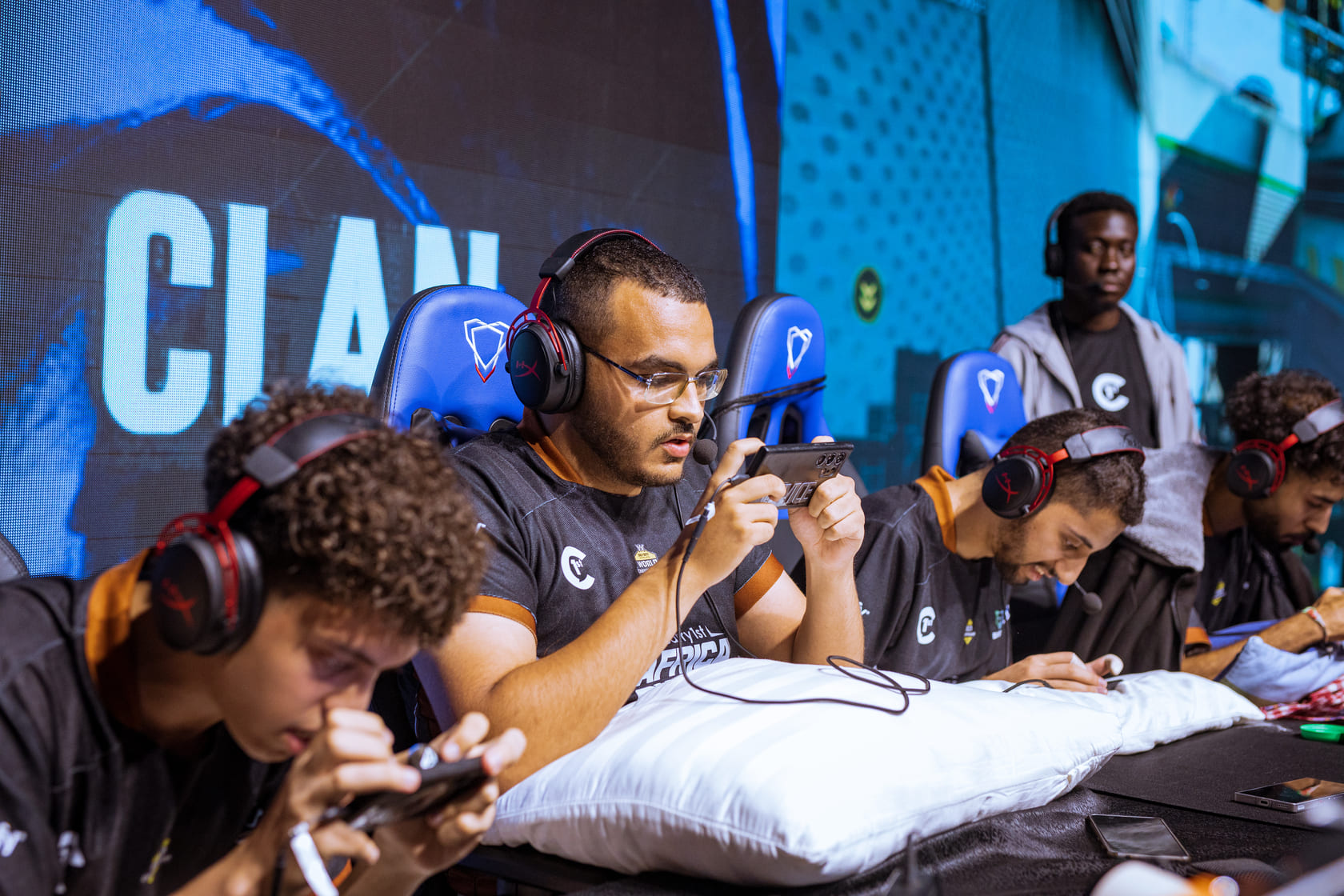
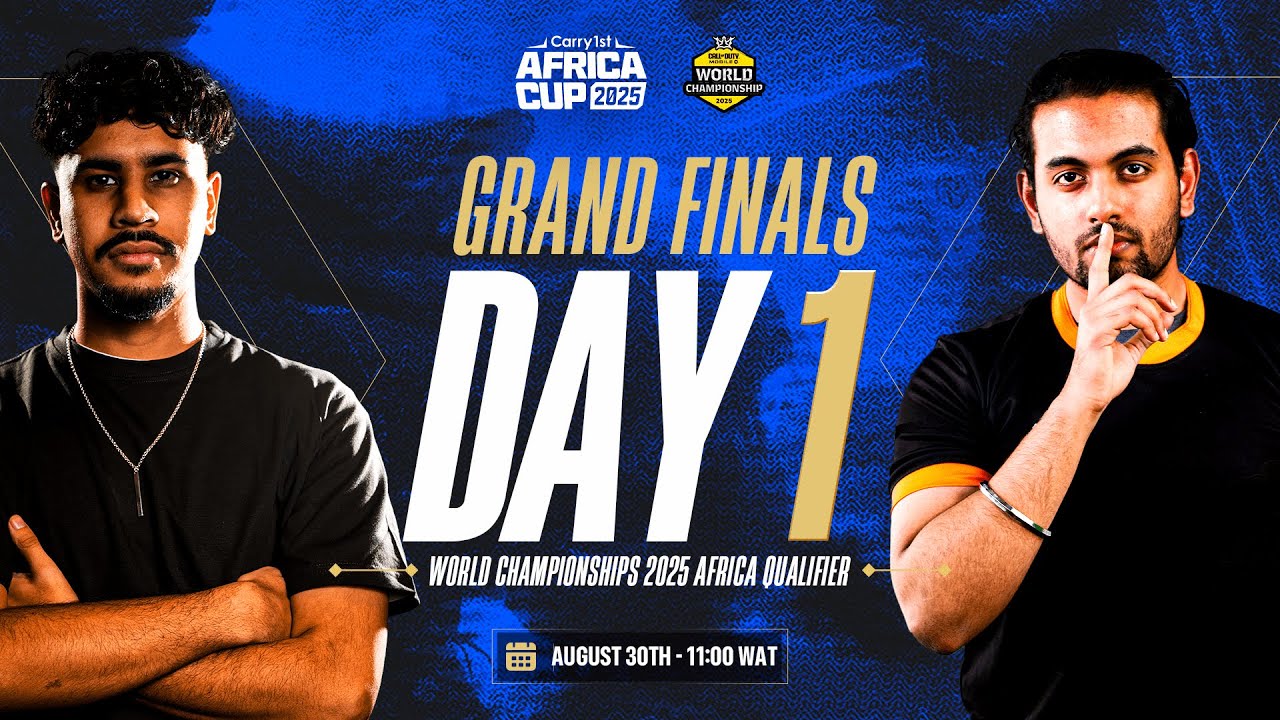
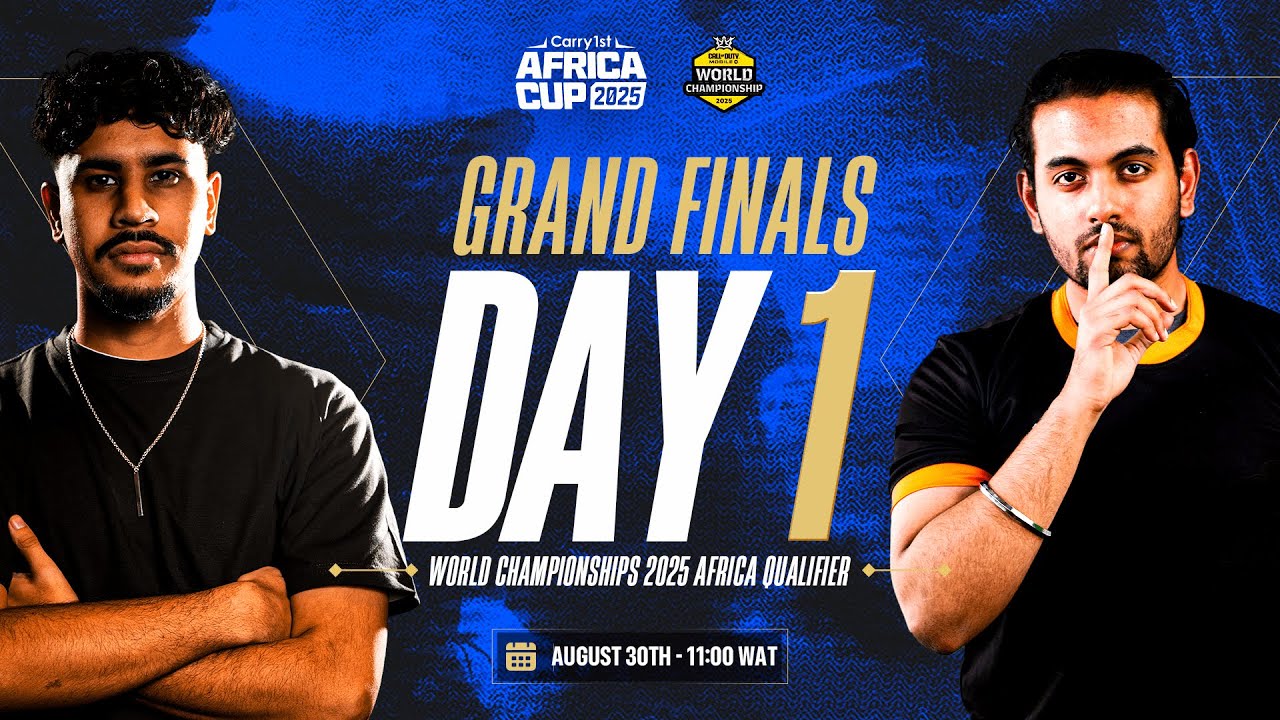
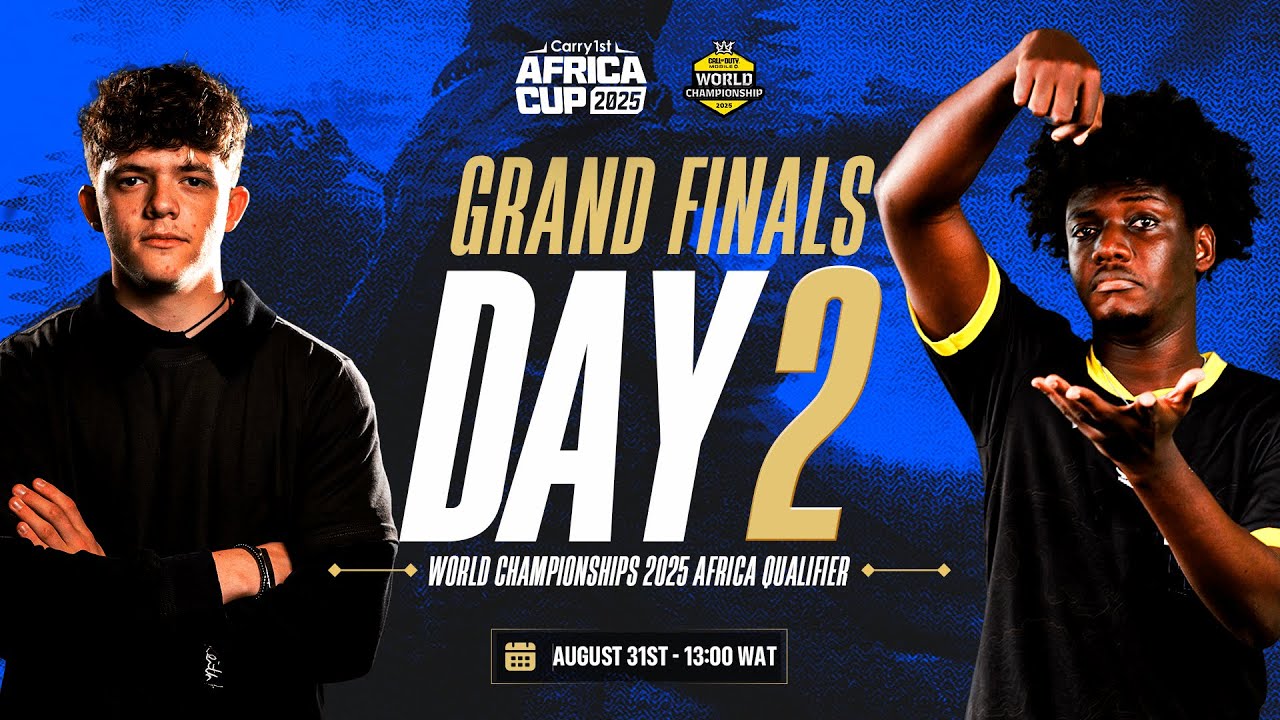
The event will be held on September 5th and 6th, 2026, at Los Angeles Event Center, Wuse, Abuja, Nigeria.
Eight teams will compete, representing Nigeria (2 teams), Southern Africa region (2 teams), West Africa (2 slots), Northern Africa (1 slot), East Africa (1 slot)
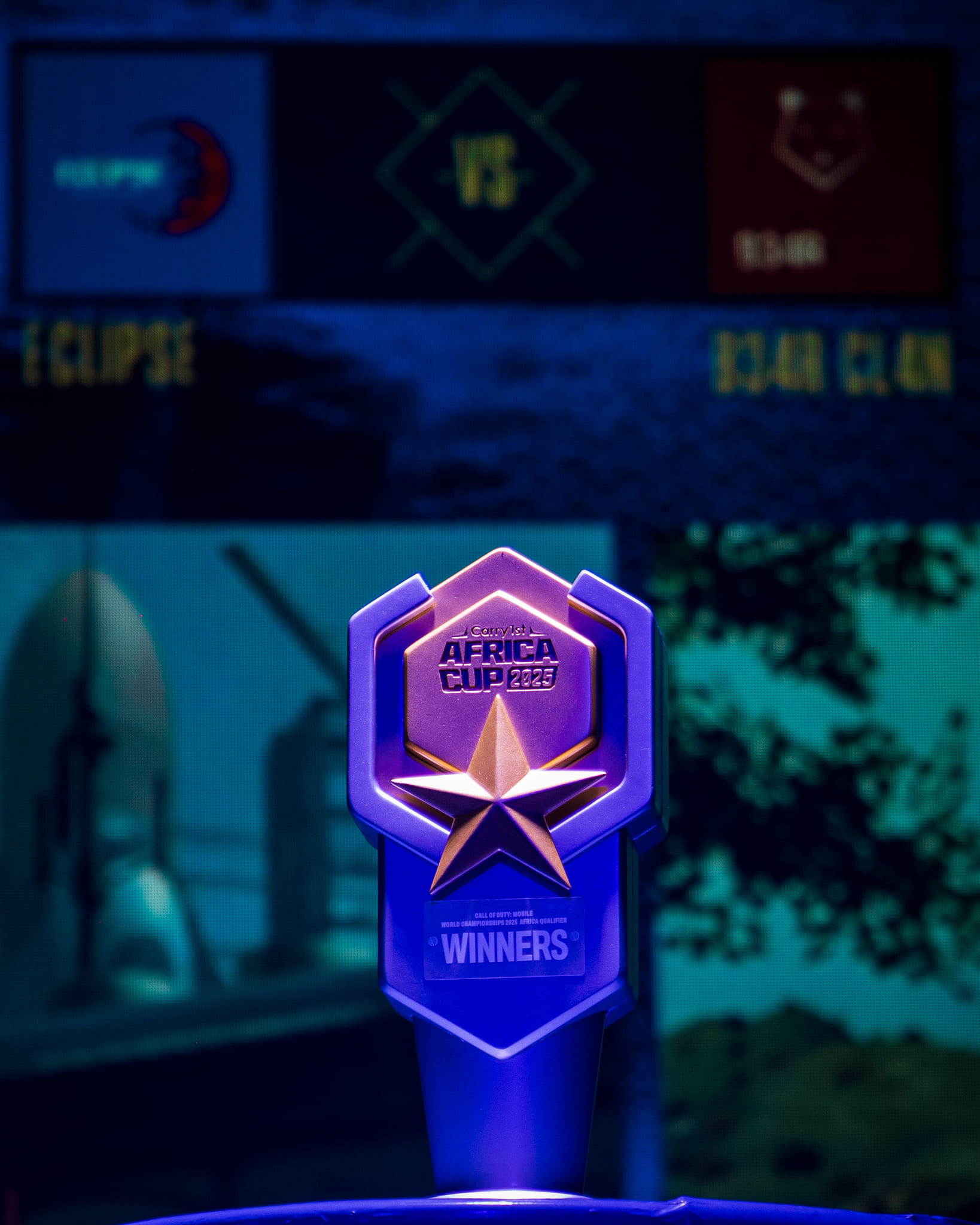
The total prize pool for the event is $30,000 USD. The winning team will also receive a ticket to represent Africa at the Call of Duty: Mobile World Championship 2026.
Tickets will provide access to all matches on both days of the event.
Yes, parking is available at the venue. However, we recommend arriving early to secure a spot, as parking can fill up quickly.
The event is open to individuals above the age of 16 only.
Tickets are free but must be reserved in advance through the website. There may be limited availability for walk-up registrations, so we encourage you to reserve your tickets early.
Yes, food and drinks will be available for purchase at the venue.
Join our Discord support server for assistance.
